· Dash Checkout · order-limits · 3 min read
How to control which products can be bought together on Shopify
Some products should not be in the same cart due to shipping, business model, or operational constraints.
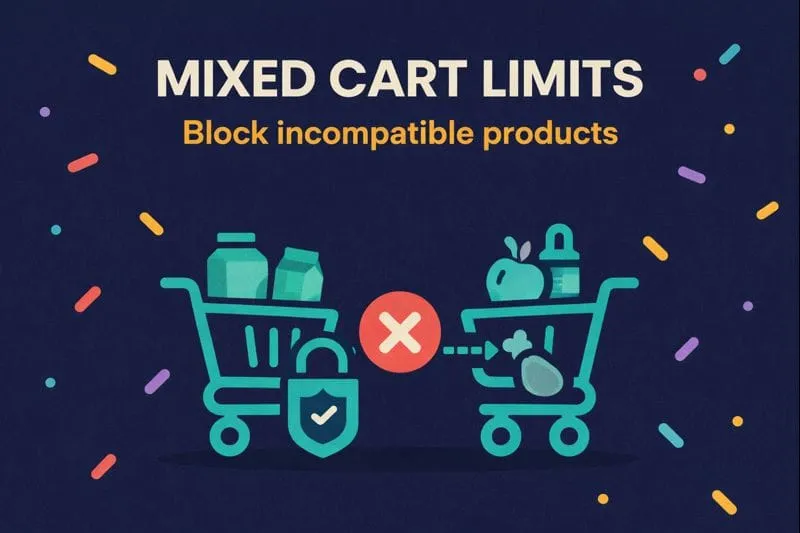
Some products shouldn’t be in the same cart. Fresh food and shelf-stable items that ship differently. A free sample alongside another free sample. A wholesale case and a retail single. Shopify doesn’t have a native way to prevent these combinations.
Mixed cart limits let you set rules for what can and can’t be purchased together.
When mixed cart limits are useful
Shipping incompatibility. Fresh items need cold shipping. Dry goods don’t. If both are in the same cart, your shipping logic breaks or you eat the cost. Block the combination at checkout.
Business model separation. Wholesale customers shouldn’t mix retail items into their order. Subscription products shouldn’t be purchased one-time. Mixed cart limits enforce these boundaries.
Sample program protection. Let customers add a sample, but only if they’re also buying the full-size product. No cart full of samples. For per-customer tracking, see customer purchase limits.
Add-on control. Some products only make sense with a main item. A phone case without a phone. An extended warranty without the product. Require the main item first.
Exclusive products. Some items ship alone. Fragile goods, oversized items, or premium products that need dedicated packaging. Block other items when these are in the cart.
How it works
Mixed cart limits use a trigger-and-target system.
Trigger products: When these are in the cart, the rule activates.
Target products: These are what gets blocked, limited, or required.
You can set up three types of rules:
- Block: If trigger products are in the cart, target products can’t be added
- Limit: If trigger products are in the cart, target products are capped at a certain quantity
- Require: Target products can only be added if trigger products are already in the cart
Setting it up
- In DC Order Limits, go to Mixed Cart Limits
- Define your trigger products (all products, specific tags, product IDs, or variants)
- Define your target products using the same options
- Choose your rule type: block, limit, or require
- Set any customer or market restrictions if needed
- Save and test
A few things to know
Rules are flexible. You can target by product tags, specific products, or individual variants. Same for triggers.
Customer segments work. Apply rules to all customers, logged-in only, specific customer tags, or individual accounts.
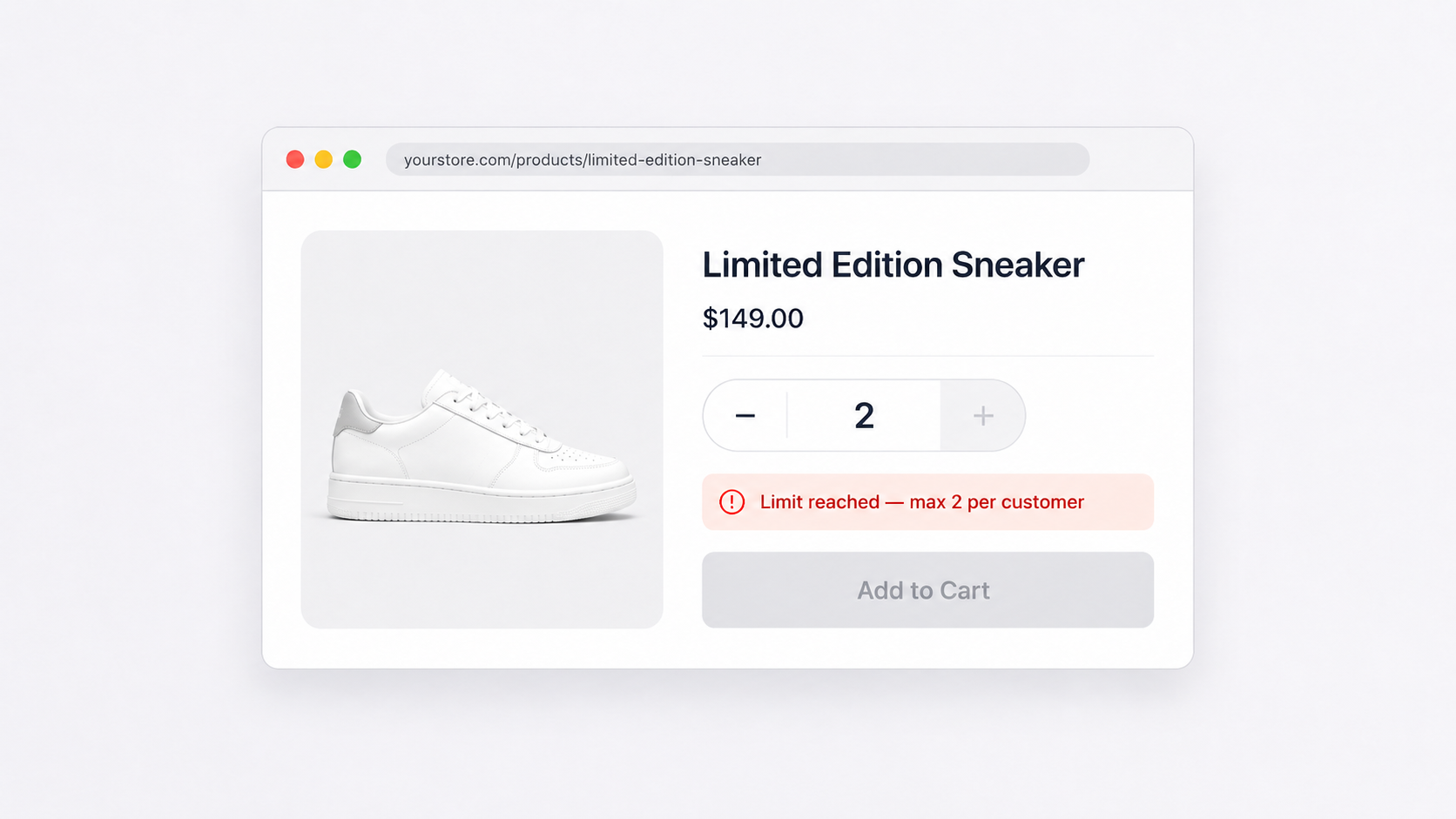
Error messages are customizable. Tell customers exactly why they can’t add something, so they’re not confused at checkout.
Quick example
A meal kit company sells fresh meals (need refrigerated shipping) and pantry staples (regular shipping). They set a mixed cart rule: if any product tagged “fresh” is in the cart, block all products tagged “pantry” from being added.
Customer adds a fresh meal, tries to add olive oil, sees a message: “Fresh items and pantry items ship separately. Please complete this order first, then place a second order for pantry items.”
No more shipping headaches. No customer confusion at checkout. For more order limit options, see our complete guide.