· Dash Checkout · order-limits · 3 min read
How to set customer purchase limits on Shopify
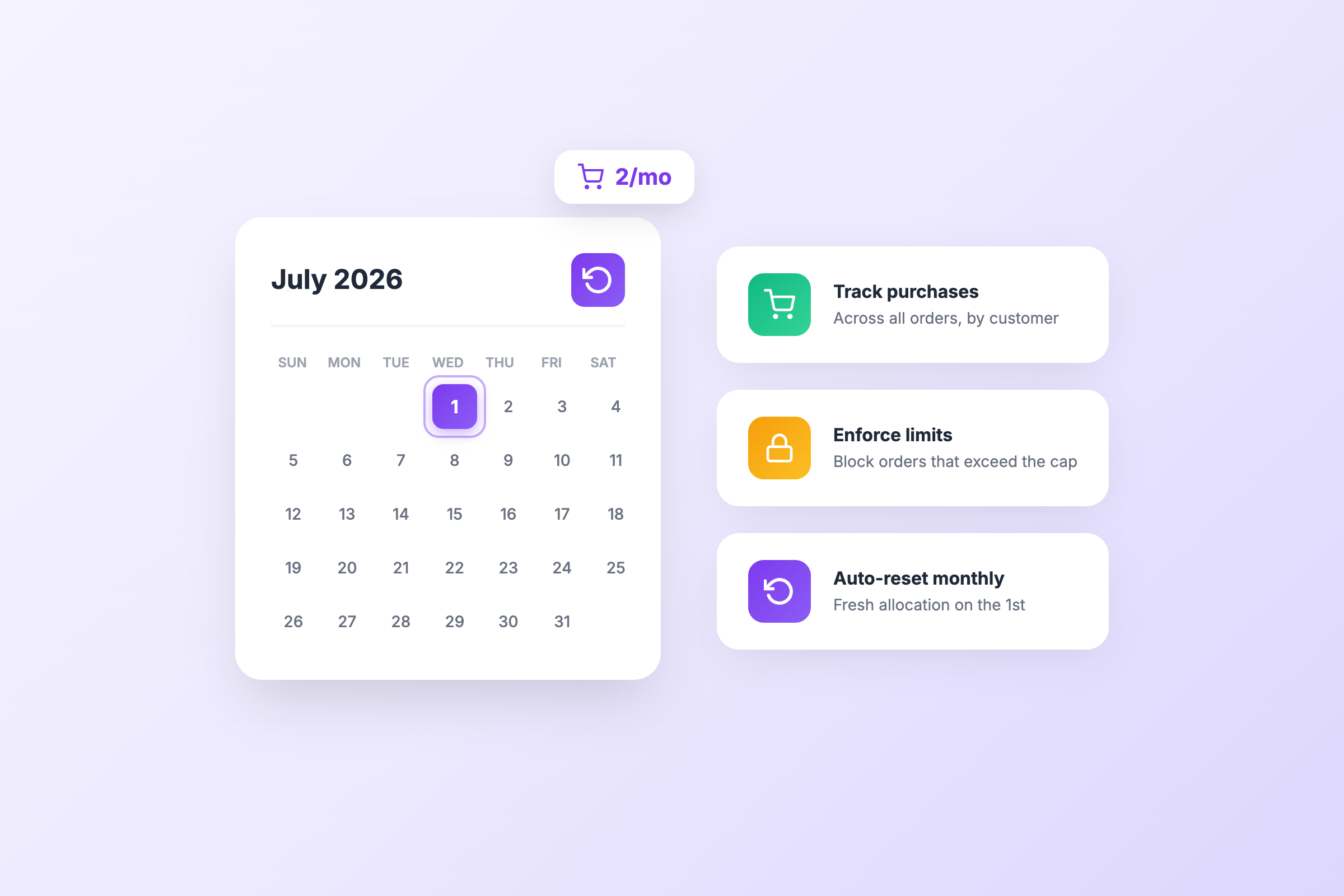
Standard order limits only apply to a single transaction, allowing customers to purchase again after completing an order. Customer purchase limits track buyer history across all orders.
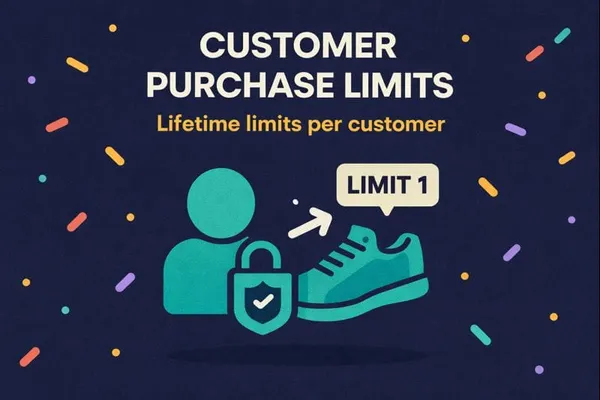
Standard order limits only see the current cart. A customer can hit your max quantity, complete the order, then come back and buy more. Different email, new account, next week. The limit resets every time.
Customer purchase limits solve this by tracking what each customer has already bought. You set a lifetime cap, and the app remembers. Learn more on our lifetime purchase limits feature page.
When customer limits are useful
Limited releases. You’re dropping 500 units and want to make sure more customers get a chance. Cap each customer at 2 units total, not 2 per order.
Reseller prevention. Some buyers create multiple accounts to stock up on your product and flip it. Tracking purchase history makes this harder. See our guide on combating fraud with order limits.
Sample programs. Let customers try a sample once, not order it repeatedly at a discount.
Subscription fairness. Limit how many subscription slots any single customer can hold.
How it works
Customer limits track two things: quantity and spending.
Quantity limits: Set the maximum number of units a customer can buy across all their orders. Once they hit it, they can’t add more to their cart.
Spending limits: Set the maximum amount a customer can spend on specific products over time.
You can apply these to all products or target specific ones using tags, product IDs, or variants.
Setting it up
- In DC Order Limits, go to Customer Limits
- Choose your limit type (quantity, spending, or both)
- Set which products the rule applies to
- Choose which customers it affects (all logged-in customers, specific tags, or individual accounts)
- Save and test with a test account
A few things to know
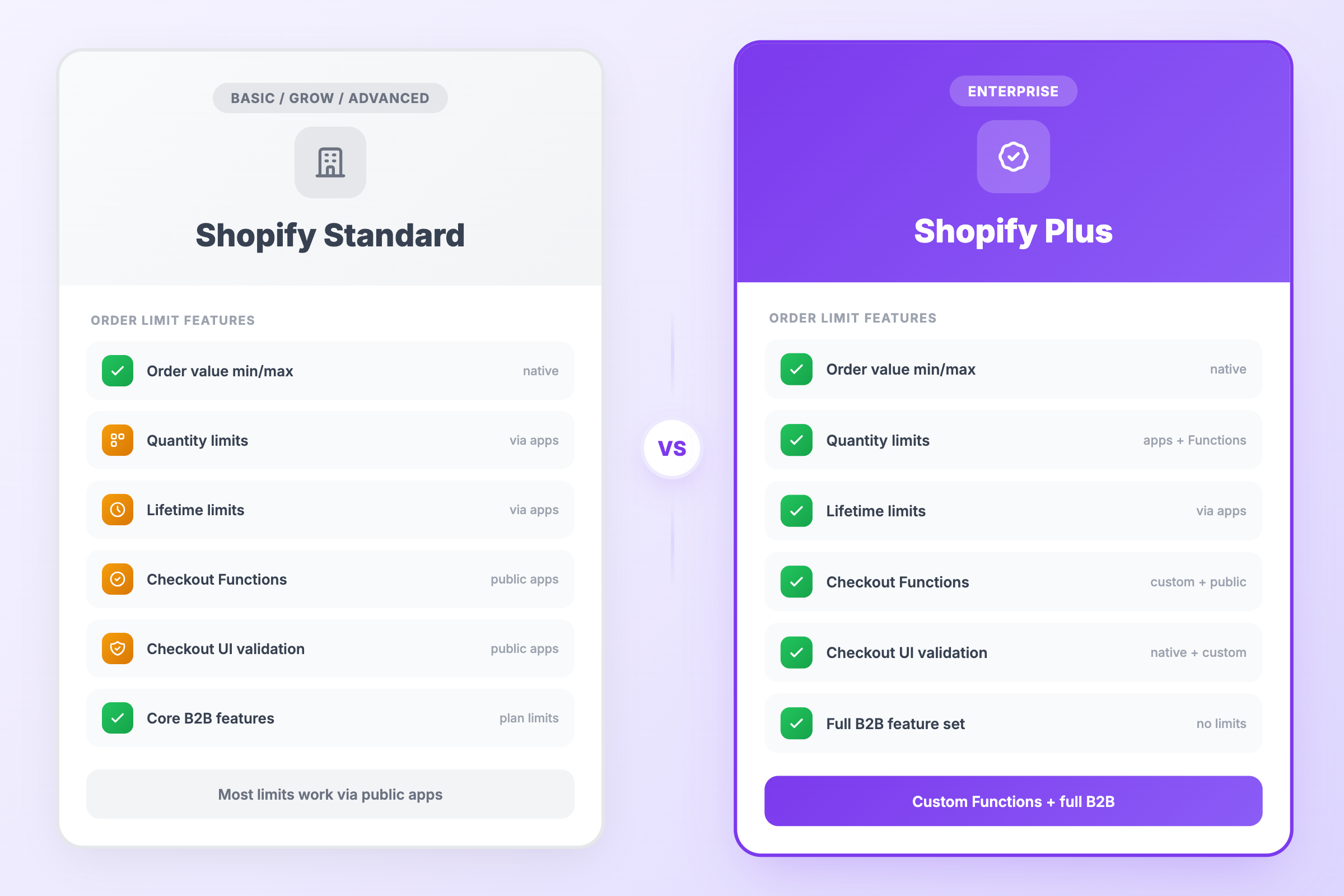
Customers need to be logged in. The app tracks purchase history by customer account. Guest checkouts can be allowed or blocked depending on your preference.
You can reset limits. Running a new drop? Reset customer limits through the usage history dashboard or automate it with Shopify Flow.
Exclusions work here too. Exempt VIP customers or specific products from the limits using exclusion rules.
Quick example
A sneaker store drops 200 pairs of a limited collab. They set a customer limit of 1 pair per customer, lifetime. First order, the customer gets their pair. If they come back (same account or not, if logged in), the app knows they already bought and blocks the second purchase.
Simple, but it changes how limited drops actually work. For more on the psychology behind this, read how strategic limits drive customer behavior.
Install DC Order Limits to start tracking customer purchase history across orders.