BFCM 2026 order limits checklist: caps, resellers, and resets
Black Friday doorbusters need purchase caps, not a security review. The order limits checklist: quantity caps, per-customer limits, and resets.
Dash Checkout is the checkout toolkit for Shopify. Set quantity, spend, weight, and per-customer limits, manage bulk and wholesale orders, and control shipping and payment options. Rules run on Shopify Functions and need no code to set up.
Trusted by Shopify merchants worldwide
















One app, four jobs
Use each tool on its own or together. They all live in one Shopify app, with one place to manage your rules.
Quantity, price, weight, and per-customer limits that hold up in cart and checkout, plus customer memory that works across orders.
Mark hundreds of pickup orders ready in one click, and set wholesale minimums by customer tag.
Hide, rename, or reorder shipping options and payment methods based on cart, customer, or destination.
Shoppers tap “Notify me” on sold-out products, and Dash emails them the moment you restock, so you can still make the sale.
Order Limits
Set quantity, price, weight, and customer-based limits, and show shoppers a clear, translatable message when they hit one.
Limits that remember your customers
Track lifetime purchases per customer. Cap by quantity or spend over a day, week, month, year, or lifetime.
Enforced where it counts
Rules are validated in real time in cart and again at Shopify Checkout, so shoppers can't get around them and you don't oversell.
Fair access on big drops
Use one-per-customer caps, VIP early access, and wholesale minimums to keep high-demand launches orderly.
Pick the rule you need. Each one has a guide with setup steps and examples.
Caps that count a customer's past orders along with the current cart.
Set a max per product, variant, or the whole cart.
Daily, weekly, monthly, or yearly windows that reset on their own.
Caps like “Max 5 per customer, ever,” backed by purchase history.
Rules that apply across a group of products sharing one cart.
Keep carts within the weight you can actually ship.
Minimum order quantities by customer tag for B2B buyers.
The classic drop rule, enforced at Shopify Checkout.
Bulk order management
Stop clicking through orders one by one. Select your pickup orders, run one bulk action, and every customer gets Shopify's standard pickup notification.
Bulk ready for pickup
Mark multiple orders ready at once, right inside your Shopify admin.
Built for busy pickup days
Made for stores handling POS and in-store pickup, where rush periods mean dozens of orders at a time.
Wholesale minimums by customer tag
Require minimum order quantities for wholesale buyers while retail customers keep normal rules.
Checkout Rules
Each shopper sees only the shipping and payment options that apply to their cart, which means fewer confused customers and fewer support tickets.
Shipping rules
Hide express shipping for oversized carts, put the free option first, or rename methods so they make sense to shoppers.
Payment rules
Hide Cash on Delivery above a certain order value, reorder payment methods by preference, or limit options by country.
Conditions you already think in
Cart subtotal, customer tags, logged-in status, products in cart, countries, and zip codes. Combine them however you need.
Back-in-Stock Alerts
A sold-out product page usually means the shopper leaves. Back-in-stock alerts let them sign up instead, and Dash keeps the list and emails them when you restock.
Capture demand while you restock
A notify-me form appears on sold-out products automatically. Shoppers leave an email address and don't need an account.
Alerts send themselves
When inventory comes back, Dash emails everyone who asked. Set thresholds, batch sizes, and delays so drops don't oversell.
See the revenue you got back
Follow every request from notified to clicked to converted, and export your subscriber list anytime.
Use cases
Keep high-demand launches orderly so real customers get a fair shot.
Cap units per customer on numbered or small-batch releases.
Give VIP-tagged customers higher limits than everyone else on a drop.
Stop carts that break your rules before they reach payment.
Separate minimums and caps for wholesale and retail buyers.
Process busy pickup days in seconds instead of order by order.
Under the hood
Dash uses the same building blocks Shopify gives its own checkout, so your rules don't break on the next theme update and behave the same way everywhere.
Shopify Functions
Order limits and checkout rules run on Shopify Functions, without checkout.liquid or theme hacks.
Checkout extensions
Works natively with Shopify Checkout, the same checkout your customers already use.
130+ languages
Limit messages translate automatically. Back-in-stock emails can be written per locale.
Customer memory
Lifetime purchase tracking, so caps like “5 per customer, ever” mean exactly that.
Reviews
Join thousands of stores trusting Dash Checkout
“Great app which is easy to use and excellent customer support! Thank you for the great service”

Nas Nakit
Australia
“If you are looking for an intuitive app to help set limits for your products, this is an excellent choice. The app has a variety of ways to set limits to help serve your customers.”

Dad Tired
United States
“Functional app with excellent customer support.”

Boya Porcelain
Serbia
“Highly recommend - super simple to set up yet highly customizable. Goes beyond the capabilities of alternative apps. Very reasonable pricing!”

Binopolis
United Kingdom
“The best experience I have ever had with a Shopify app! Can't recommend highly enough!”

Venus Vinyl
United Kingdom
“I am very happy with the level of customer service, and the app is doing exactly what we need.”

Capitalkidz
United States
“So far, so good! Great communication with the team when something needed tweaking, and simple and straightforward to implement.”

The Nude Alchemist
New Zealand
“This app solved my problem. I will recommend it to all my friends who use Shopify. The support responds quickly.”

Baraka Store
Poland
“Great app. Does exactly what it needs to be doing. Easy setup. Definitely recommend.”

Cheeki Collection
Germany
“Great support, great tool. Quick and easy setup!”

Jamoona
Germany
“Great app which is easy to use and excellent customer support! Thank you for the great service”
Nas Nakit
Australia
“If you are looking for an intuitive app to help set limits for your products, this is an excellent choice. The app has a variety of ways to set limits to help serve your customers.”
Dad Tired
United States
“Functional app with excellent customer support.”
Boya Porcelain
Serbia
“Highly recommend - super simple to set up yet highly customizable. Goes beyond the capabilities of alternative apps. Very reasonable pricing!”
Binopolis
United Kingdom
“The best experience I have ever had with a Shopify app! Can't recommend highly enough!”
Venus Vinyl
United Kingdom
“I am very happy with the level of customer service, and the app is doing exactly what we need.”
Capitalkidz
United States
“So far, so good! Great communication with the team when something needed tweaking, and simple and straightforward to implement.”
The Nude Alchemist
New Zealand
“This app solved my problem. I will recommend it to all my friends who use Shopify. The support responds quickly.”
Baraka Store
Poland
“Great app. Does exactly what it needs to be doing. Easy setup. Definitely recommend.”
Cheeki Collection
Germany
“Great support, great tool. Quick and easy setup!”
Jamoona
Germany
FAQs
Everything you need to know about Dash Checkout. Can't find it here? Our support team is happy to help.
One app with four sets of tools: order limits for quantity, price, weight, and per-customer caps; bulk order tools like marking pickup orders ready in one click; checkout rules to hide, rename, or reorder shipping and payment options; and back-in-stock alerts that email shoppers when you restock.
Yes. Order limits and checkout rules run on Shopify Functions and checkout extensions, so they work natively with Shopify Checkout without checkout.liquid or theme hacks.
Yes. Customer memory tracks lifetime purchases, so you can set caps like "max 5 units per customer, ever" or "max $500 spend per month."
Yes. Select the orders in your Shopify admin, run the bulk action, and each customer gets the standard Shopify pickup notification.
A notify-me form shows on sold-out products. When you update inventory in Shopify, Dash automatically emails everyone who signed up. You can set inventory thresholds, batch sizes, and send delays per campaign.
Yes. Limit messages support 130+ languages automatically, and back-in-stock emails can be written per locale with their own subject, body, and button text.
Yes. There's a free plan to start with, and every paid plan includes a 3-day free trial. Plans start at $19/month.
Tips, guides, and case studies for Shopify merchants
Black Friday doorbusters need purchase caps, not a security review. The order limits checklist: quantity caps, per-customer limits, and resets.
See how real merchants use order limits to protect drops, manage employee discounts, enforce wholesale minimums, and give VIPs fair access. Actionable examples you can copy.
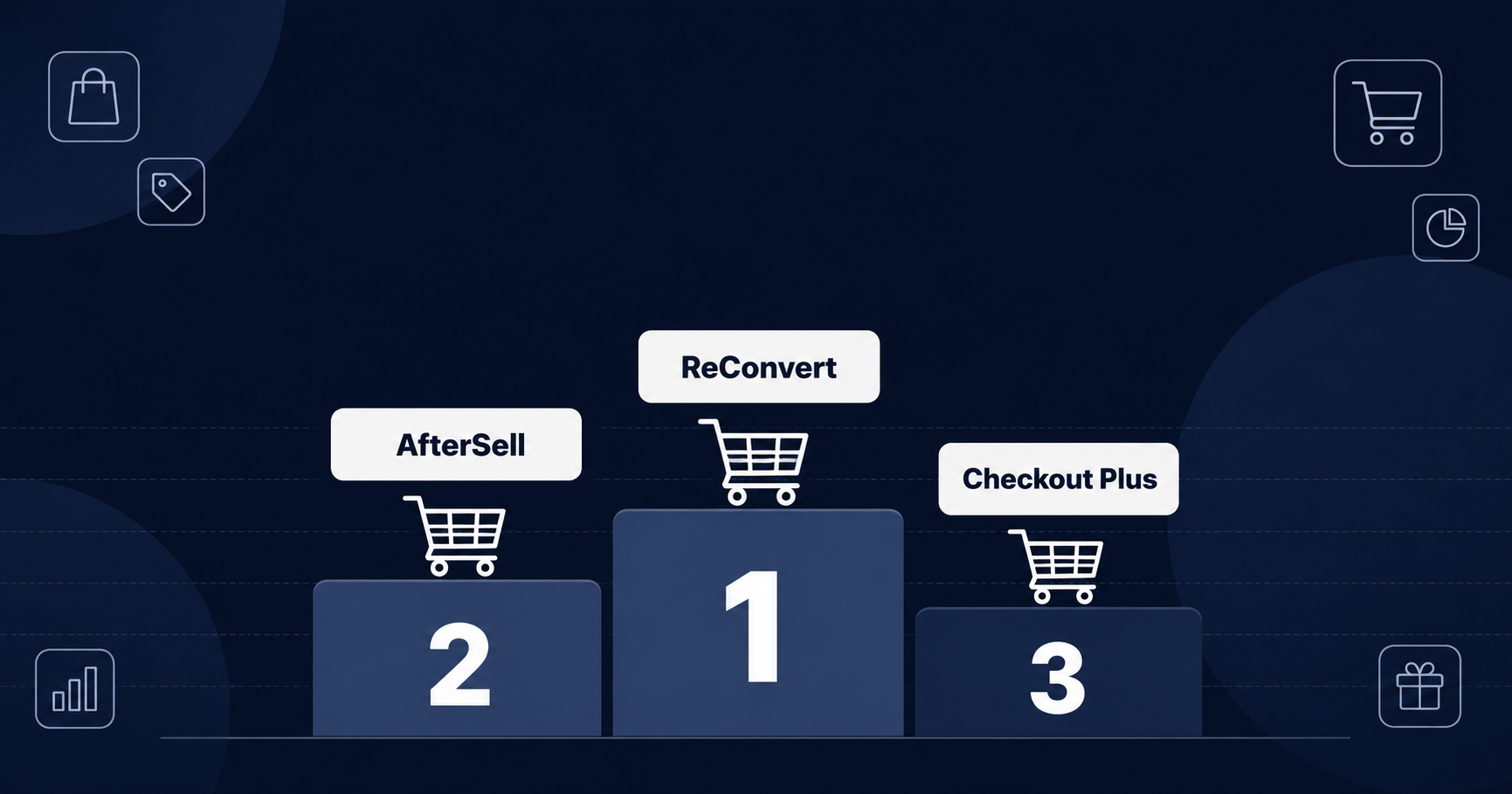
We compared 8 Shopify checkout apps on ratings, pricing, plan requirements, and what each one actually changes at checkout. Here is which app fits which store.

Black Friday and Cyber Monday bring your biggest traffic of the year. This checklist covers what to set up before the rush hits your Shopify store.
Get started
Join Shopify merchants worldwide using Dash Checkout to keep checkout fair, process orders faster, and recover lost sales. Free plan available.