· Dash Checkout · checkout · 11 min read
What are Shopify checkout rules?
Shopify checkout rules are the conditional logic that controls what happens when a shopper reaches checkout, from quantity caps to which payment methods show up. Here is how they work, what runs natively, and what needs an app.
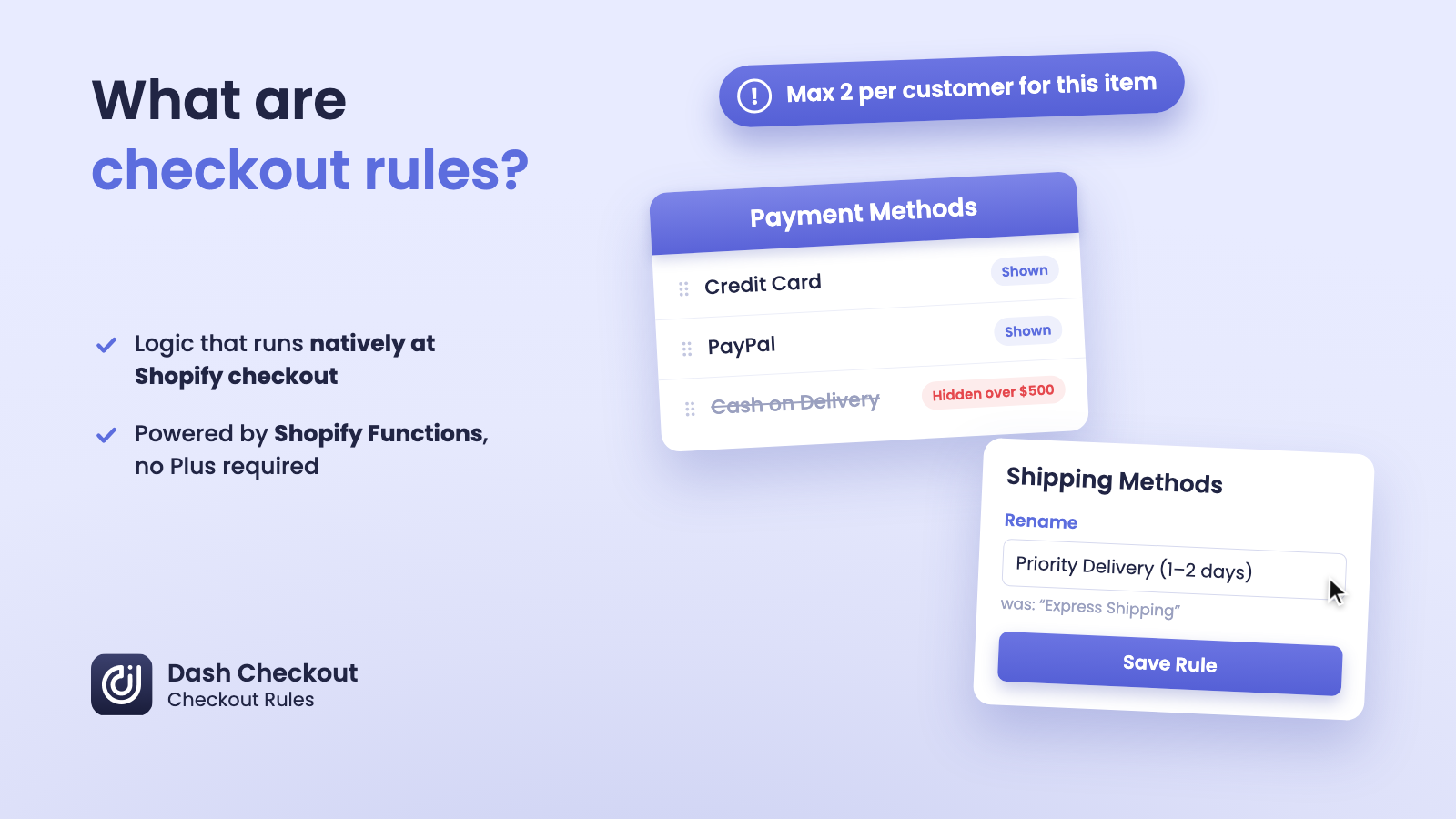
Shopify checkout rules are the conditional logic that controls what a shopper can buy and what they see when they reach checkout. That includes blocking an order that breaks a quantity or spending limit, and hiding, renaming, or reordering the payment and shipping options on the page. Checkout rules run through Shopify Functions, a set of extension points that execute directly inside Shopify’s checkout, with no theme code or checkout.liquid file involved.
If you have searched for this term, you have probably run into a mismatch between what merchants expect from Shopify and what it actually offers. Shopify’s admin has basic settings for inventory and shipping zones, but it has no built-in way to say “limit this product to 2 per customer” or “hide cash on delivery for orders over $500.” Those kinds of rules need checkout rule logic, which comes from an app.
This guide covers what checkout rules are, how they work under the hood, what Shopify gives you natively versus what needs an app, and whether you need Shopify Plus to use them.
What are Shopify checkout rules?
Checkout rules are “if this, then that” logic applied to a shopper’s cart and checkout session. A rule checks something about the order (the quantity of an item, the cart total, a customer tag, the shipping destination) and then does something in response (blocks checkout, shows an error, hides an option, renames a label, or moves something up or down a list).
Two broad categories cover most of what merchants mean by “checkout rules”:
- Validation rules. These check whether an order is allowed to proceed at all. Think quantity limits, minimum order values, and quantity increments. If the cart breaks the rule, checkout is blocked until the shopper fixes it.
- Customization rules. These change what a shopper sees without blocking anything. Think hiding a payment method for certain orders, renaming a confusing shipping label, or putting your preferred delivery option first.
Both categories run through the same underlying system, and knowing how it works tells you what is actually possible.
How do checkout rules work on Shopify?
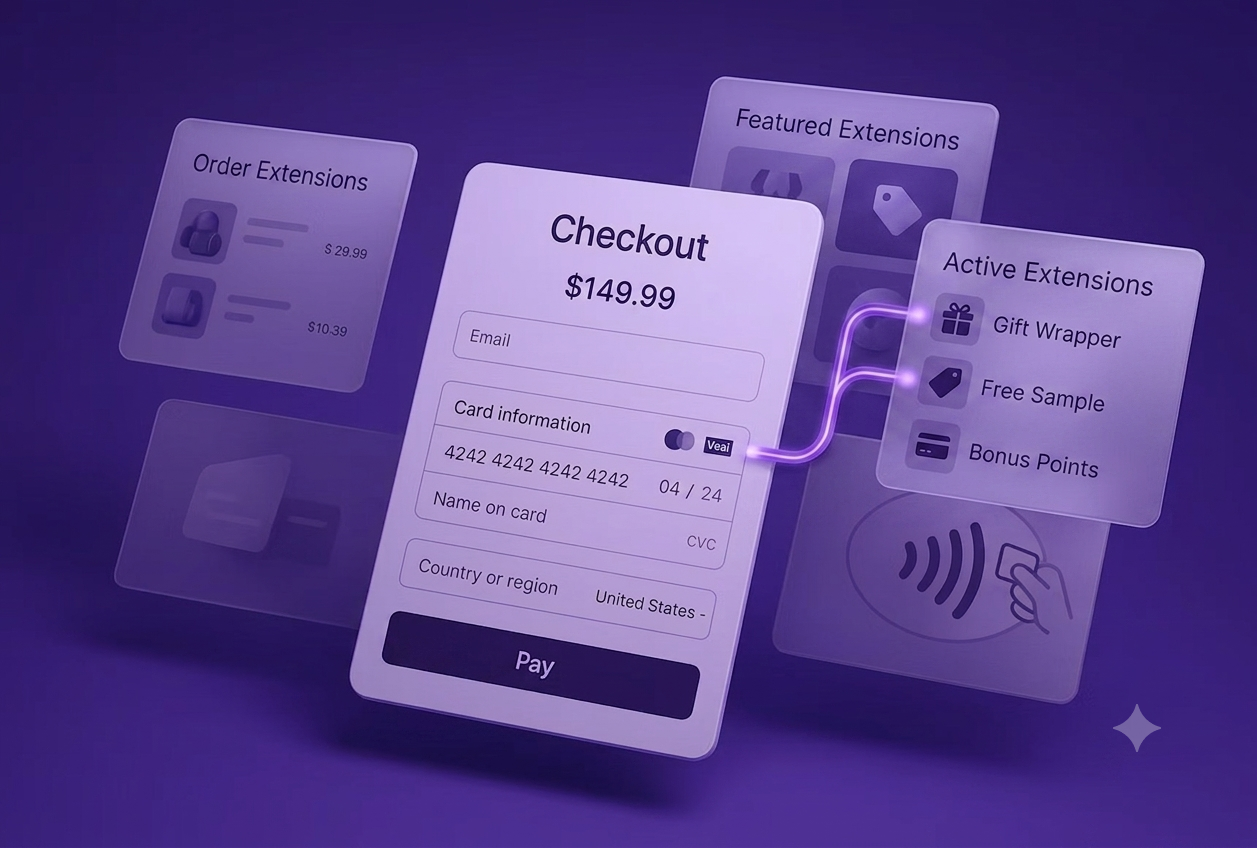
Checkout rules run on Shopify Functions, a framework that lets apps plug custom logic directly into Shopify’s checkout process on the server side. Functions are fast (Shopify designs them to run in a few milliseconds) and they execute as part of checkout itself, not as a script loaded afterward.
A few specific Function APIs cover most checkout rule use cases:
- Cart and checkout validation. This is what blocks an order. A function evaluates the cart against your rules at points Shopify calls the “buyer journey,” which includes the cart page, the checkout steps, and the moment a shopper tries to complete the order. If a rule fails, the function returns an error and checkout stops until the cart is fixed.
- Payment customization. This hides, renames, or reorders the payment methods a shopper sees at checkout, based on conditions you set.
- Delivery customization. Same idea, applied to shipping and delivery options.
Because these all run as Shopify Functions, they work the same way regardless of which app delivers them: the app’s code evaluates your conditions, and Shopify’s checkout enforces the result. There is no checkout.liquid file to edit and no custom script tag to maintain. Shopify retired checkout.liquid customization in 2025, and Shopify Scripts stopped running on June 30, 2026, so Functions are now the only supported way to run this kind of logic at checkout.
What can checkout rules control?
In practice, merchants use checkout rules for things like:
- Quantity caps. “Maximum 2 of this product per order” or “maximum 10 items total in the cart.”
- Minimum and maximum order values. “This cart must total at least $75” for a wholesale account, or “no single order over $2,000” for fraud control.
- Quantity increments. “Only sell this in multiples of 6” for case packs.
- Product combinations. “Do not let a preorder item and an in-stock item ship in the same order.”
- Customer-based conditions. Different rules for wholesale-tagged customers, logged-in shoppers, or specific regions.
- Payment method visibility. Hiding cash on delivery above a certain order value, or renaming a payment label so it is clearer at checkout.
- Shipping option visibility. Renaming a carrier code like “DHL_EXPRESS_12” to “Next-day delivery,” or moving your preferred shipping method to the top of the list.
A single rule usually combines a few of these at once. A quantity cap, for example, can apply to specific products, specific customer tags, and a specific country all in the same rule, rather than needing a separate rule for each condition.
What is native to Shopify versus what needs an app?
Shopify’s native admin gives you real but limited controls:
- Per-product inventory tracking, so you cannot oversell what you do not have in stock
- Basic shipping zone and rate setup
- Enabling or disabling individual payment providers altogether
What Shopify does not give you natively is conditional logic. There is no admin setting for “limit this product to 2 per customer,” no setting for “hide this payment method only for carts over $500,” and no setting for “block this combination of products.” Those all require a rule that evaluates the cart and responds, which means a Shopify Function, which means an app.
The one real exception is B2B on Shopify Plus. B2B catalogs support per-product quantity minimums, maximums, and case increments for wholesale buyers. If you run B2B on Plus and only need those, the native tools may be enough. For a regular retail storefront there is no native equivalent, and the B2B rules are per order, so a cap that follows a customer across orders still needs an app either way.
This is the most common point of confusion. Merchants assume that because Shopify handles so much of checkout already, quantity limits and payment visibility rules must be in there somewhere. They are not. You need an app that installs a Function for each type of rule you want to run.
Do checkout rules require Shopify Plus?
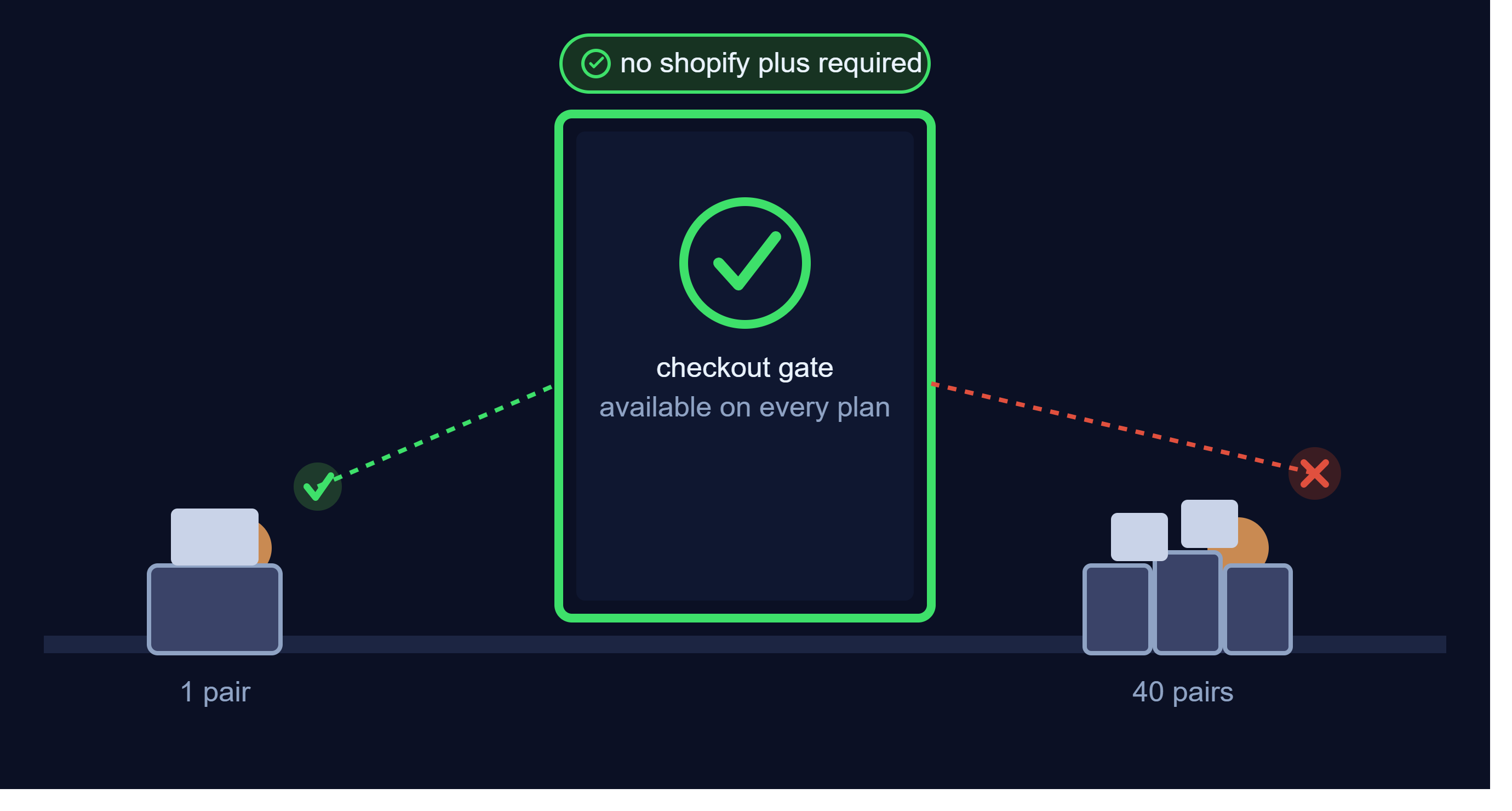
For most of what merchants mean by “checkout rules,” no. Since January 2024, Shopify has allowed public App Store apps to deploy Functions on every plan, from Basic through Advanced. That change covers the validation rules (quantity caps, order minimums, product combinations) and most of the customization rules (hiding, renaming, and reordering payment and shipping options).
A short list of things that do still require Shopify Plus:
- Writing and deploying your own custom Function, as opposed to installing an app that already includes one.
- Hiding a payment method from one specific spot in checkout (for example, just the express checkout section) rather than hiding it everywhere. Any plan can hide a payment method entirely.
- Setting custom payment terms, like net-30 invoicing at checkout.
- Custom checkout UI, such as new input fields or branded banners beyond Shopify’s standard checkout layout.
So the short version: installing an app to run quantity limits, order minimums, or payment and shipping customization works on any plan. Plus is only a requirement if you are building something custom yourself, or you need one of the few advanced options above. For a closer look at the full Plus versus standard breakdown, see our Shopify Plus versus standard order limit features comparison.
Examples of checkout rules in action
A limited product drop. A streetwear brand wants each customer to get one shot at a new release. A validation rule caps the quantity at 1 per customer per color, enforced at checkout so it applies to guest and logged-in shoppers alike.
A wholesale minimum. A B2B supplier tags its wholesale accounts and sets a $500 minimum order value for that tag. Retail customers see no minimum, and wholesale accounts are blocked from checking out below the threshold.
A case-pack requirement. A snack brand sells a product only in boxes of 12. A quantity increment rule blocks any cart quantity that is not a multiple of 12, with a message explaining why.
A fee-sensitive payment method. A furniture retailer charges extra for cash on delivery above a certain order size, so they rename the payment option to make the fee clear before the customer selects it, rather than surprising them later.
A shipping cleanup. A store’s carrier-generated shipping rates show up with confusing internal codes. A delivery customization rule renames them to plain language and moves the most popular option to the top.
How Dash Checkout fits in
Dash Checkout builds the Shopify Functions behind both sides of this. DC Order Limits covers the validation side: quantity limits, price limits, quantity increments, and mixed-cart restrictions, enforced at checkout on any Shopify plan. Our Checkout Rules feature covers the customization side: hiding, renaming, and reordering shipping options and payment methods based on cart total, customer tags, country, and more. Shipping rules and payment renaming run on any plan; hiding and reordering payment methods in Dash is a Shopify Plus feature.
You do not need to pick between the two. Both run as Shopify Functions, both work without theme edits, and you can use either on its own depending on what your store needs.
Frequently asked questions
Do checkout rules work without Shopify Plus?
Yes, for the vast majority of use cases. Quantity limits, order minimums, mixed-cart restrictions, and hiding, renaming, or reordering payment and shipping methods all work on any Shopify plan through an app. Plus is only required for writing your own custom Function, placement-specific payment hiding, custom payment terms, and fully custom checkout UI.
Are checkout rules the same as Shopify Scripts?
No. Shopify Scripts were an older, Ruby-based customization system available only on Shopify Plus. Checkout.liquid was retired in 2025 and Scripts stopped running on June 30, 2026. Checkout rules today run through Shopify Functions, which work differently and are available to apps on any plan.
Will checkout rules slow down my store’s checkout?
No. Shopify Functions are designed to execute in a few milliseconds as part of the checkout request itself, so shoppers do not experience a noticeable delay.
Can checkout rules apply to guest checkout?
Yes. Validation and customization rules evaluate the cart and the information entered at checkout, which works whether or not a shopper is logged in. Rules that track a shopper over time, like a lifetime purchase cap, work by matching the email entered at checkout to the store’s customer record.
Is there a limit to how many checkout rules I can run?
Shopify caps each store at 25 active functions per category: validation, payment customization, and delivery customization. Most stores use well under that, since a single rule can combine several conditions at once.
Do checkout rules work with Shop Pay, Apple Pay, and Google Pay?
Yes. Since these Function APIs run as part of Shopify’s checkout itself, they apply no matter how a shopper starts checkout, including through accelerated checkout buttons.
Getting started
If you are dealing with a specific problem right now, like resellers buying out a limited drop or a confusing payment option at checkout, you do not need to build anything custom. Install an app that covers the rule type you need, set your conditions, and it runs natively at checkout from there.
Install DC Order Limits to set up quantity, price, and mixed-cart rules, or see Checkout Rules for payment and shipping customization. Both install free and run without touching your theme.