· Dash Checkout · checkout · 6 min read
What can Shopify checkout extensions actually do in 2026?
Checkout extensibility replaced checkout.liquid. Here is what it actually does, which features require Plus, and how merchants customize checkout in 2026.
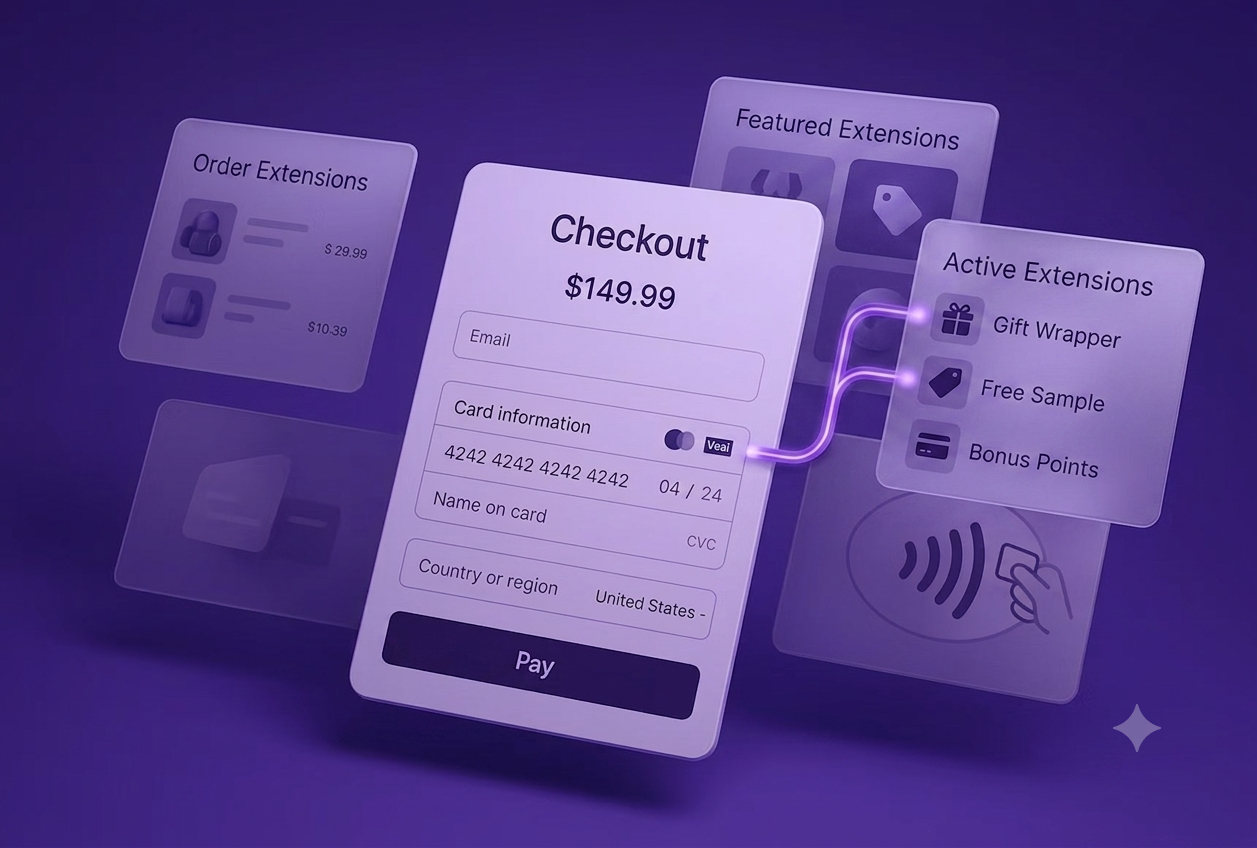
Shopify deprecated checkout.liquid in 2024 and replaced it with Checkout Extensibility. If you have heard terms like “checkout UI extensions,” “Shopify Functions,” or “checkout editor” and wondered what they actually mean, this guide explains the whole system.
The short version: Checkout Extensibility is how you customize checkout on Shopify now. Some features work on all plans. The powerful ones require Plus.
About this guide: Dash Checkout builds checkout and order management tools for Shopify. This guide covers the extensibility system from a merchant perspective: what you can do, what you need, and when apps versus custom development makes sense.
What checkout extensibility actually is
Checkout Extensibility is Shopify’s framework for customizing checkout without editing code directly. It has three main components:
| Component | What it does | Plan requirement |
|---|---|---|
| Checkout Editor | Visual editor for adding blocks and changing layout | Plus |
| Checkout UI Extensions | Apps that add functionality to checkout | Plus for most steps |
| Shopify Functions | Backend logic for discounts, validation, shipping | Plus for custom apps |
Together, these replace the old checkout.liquid file that Plus merchants could edit directly. The new system is more structured, more secure, and app-based rather than code-based.
What standard plans can customize
If you’re on Basic, Grow, or Advanced, your checkout customization options are limited:
You can change:
- Logo and favicon
- Colors (background, buttons, text)
- Fonts
- Corner radius of inputs and buttons
You cannot:
- Add custom fields
- Modify checkout layout
- Insert upsells during checkout
- Add trust badges or custom content
- Run validation rules
- Customize shipping or payment steps
The thank-you page and order status page are more flexible. You can add app blocks there on all plans. But the checkout flow itself (information, shipping, payment) is locked.
What Plus unlocks
Shopify Plus gives you full access to Checkout Extensibility:
Checkout Editor
A visual drag-and-drop interface for customizing checkout. You can:
- Rearrange checkout sections
- Add, remove, and reorder blocks
- Configure app extensions without code
- Create checkout profiles for different scenarios (different checkouts for different markets or customer segments)
Checkout UI Extensions
Apps can add functionality at specific points in checkout:
Information step:
- Custom fields (delivery instructions, gift messages)
- Age verification checkboxes
- Terms acceptance with custom text
Shipping step:
- Delivery date pickers
- Shipping insurance options
- In-store pickup selectors
Payment step:
- Trust badges and security messaging
- Loyalty point displays
- Subscription toggles
Order summary:
- Cross-sell and upsell offers
- Gift wrap options
- Donation add-ons
Post-purchase:
- One-click upsells after checkout completes
- Survey collection
- App promotions
Shopify Functions
Server-side logic that runs on Shopify’s infrastructure. Functions handle:
Discounts:
- Custom discount logic beyond native capabilities
- Conditional discounts based on cart composition
- Tiered discounts with complex rules
Shipping:
- Custom shipping rate calculations
- Carrier filtering based on product attributes
- Delivery date estimation
Payment:
- Payment method filtering (hide certain options)
- Payment customization based on order value
Validation:
- Cart validation before checkout
- Order blocking when rules aren’t met
- Custom business rule enforcement
Functions run in WebAssembly for near-native speed, with no external API latency.
Checkout UI Extensions vs Shopify Functions
These two systems work together but do different things:
| Checkout UI Extensions | Shopify Functions | |
|---|---|---|
| Purpose | What the customer sees | Backend logic |
| Examples | Upsell banners, custom fields, trust badges | Discount calculations, validation rules |
| Runs | In the browser | On Shopify’s servers |
| Built with | JavaScript/React | Rust, JavaScript, or other WASM-compatible languages |
A checkout upsell needs both: a UI extension to display the offer, and potentially a function to calculate the discounted price.
How merchants use checkout extensions
You don’t need to build extensions yourself. Apps from the Shopify App Store wrap checkout extensibility in merchant-friendly interfaces.
Common app categories
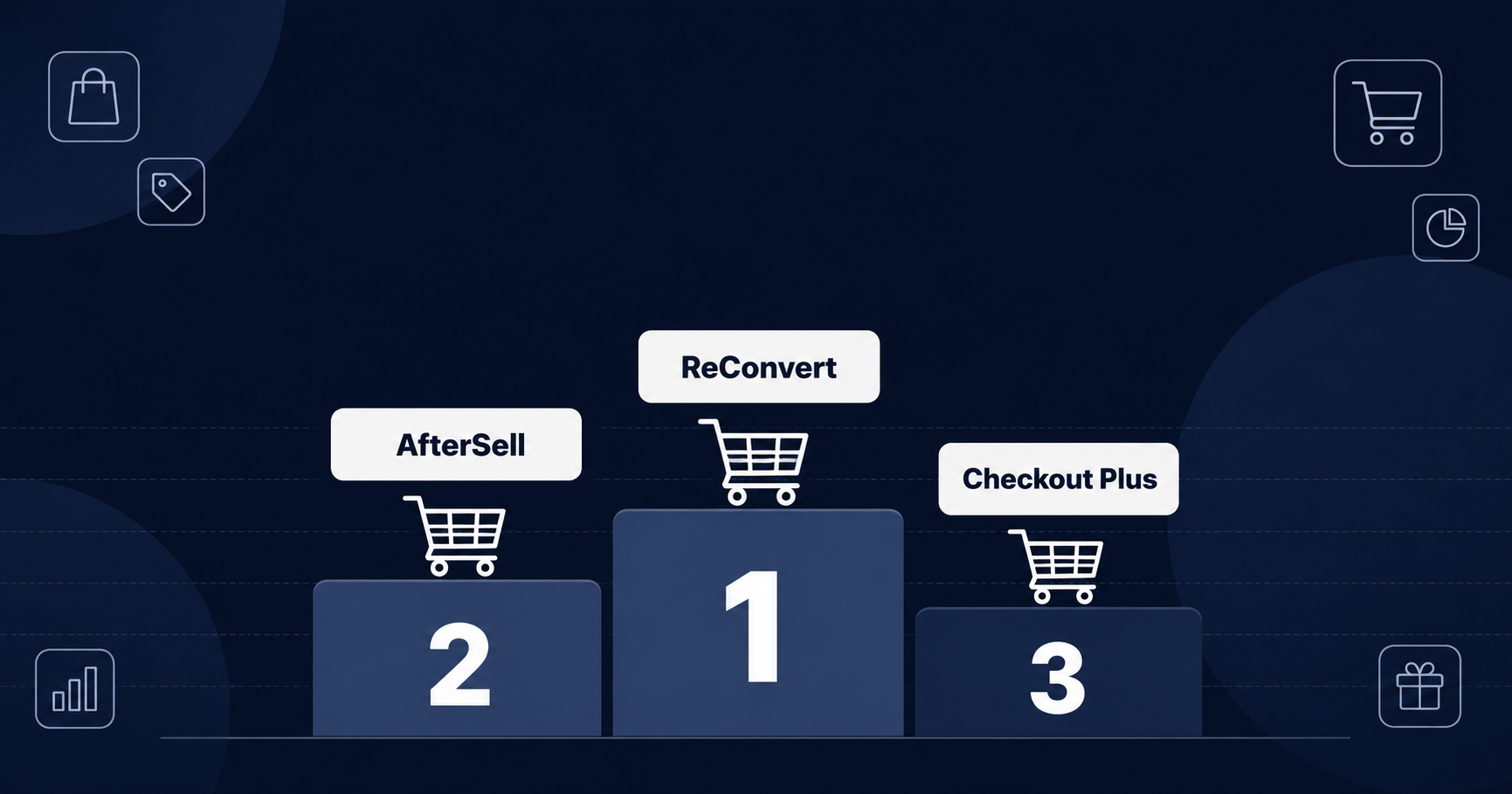
Upsells and cross-sells: Apps like AfterSell, ReConvert, and Checkout Wiz add upsell offers during and after checkout. They use checkout UI extensions to display offers at the right moments.
Custom fields: Apps for delivery date selection, gift messages, or custom order attributes. They collect information during checkout that shows up in your orders.
Trust and conversion: Trust badges, payment icons, urgency timers, and social proof. These extensions add conversion-focused elements without code.
Order validation: Apps that enforce business rules: age verification, address validation, fraud checks. Some use UI extensions for display, functions for enforcement. This is how customer purchase limits and lifetime caps work behind the scenes.
Discounts and promotions: Advanced discount apps that go beyond native capabilities: stackable discounts, conditional free gifts, loyalty point redemption.
Installing checkout apps
- Install the app from the Shopify App Store
- The app requests permission to add checkout extensions
- Configure the app’s settings
- Use the Checkout Editor to position the extension’s blocks
Most apps handle the technical setup. You configure what to display and where.
Building custom extensions
For merchants with specific needs, custom checkout extensions are possible:
When custom makes sense:
- Unique business requirements no app covers
- Integration with proprietary systems
- Competitive advantage from differentiated checkout
What you need:
- Shopify Plus plan
- Developer with JavaScript/React experience (UI extensions) or Rust (Functions)
- Understanding of checkout extension targets and APIs
Development process:
- Scaffold extension using Shopify CLI
- Build extension logic and UI
- Test in development store
- Deploy via Shopify app
- Configure via Checkout Editor
For most merchants, apps are more practical than custom development. The ecosystem covers most use cases.
Key targets and extension points
Checkout extensions render at specific “targets,” which are predefined locations in checkout:
Pre-checkout:
purchase.checkout.actions.render-before(before checkout begins)
Information step:
purchase.checkout.contact.render-after(after contact form)purchase.checkout.delivery-address.render-after(after address)
Shipping step:
purchase.checkout.shipping-option-list.render-after(after shipping options)
Payment step:
purchase.checkout.payment-method-list.render-after(after payment methods)
Order summary (sidebar):
purchase.checkout.cart-line-list.render-after(after line items)
Post-purchase:
purchase.thank-you.block.render(thank-you page)customer-account.order-status.block.render(order status page)
Apps specify which targets they support. The Checkout Editor shows available extensions for each location.
The checkout.liquid migration
Shopify’s August 28, 2026 deadline for checkout.liquid deprecation has now passed. If you are on Plus and still running custom checkout.liquid code, that code is no longer active. Your checkout has reverted to Shopify’s default layout.
What to do now:
- Audit what customizations you had in checkout.liquid
- Identify equivalent functionality in Checkout Extensibility
- Install apps or build custom extensions to replace that functionality
- Test in a development store before going live
Most modern apps already use Checkout Extensibility. The risk is custom code that was written years ago and never migrated. If your checkout looks different than expected since the deadline, this is likely why.
Checkout Blocks app
For simple customizations without installing multiple apps, Shopify’s own Checkout Blocks app provides:
- Custom banners and text blocks
- Image blocks
- Order value limits (minimum/maximum cart totals)
- Basic upsells
It’s a good starting point before adding specialized apps.
When to upgrade to Plus for checkout
Consider Plus if you need:
- Custom checkout fields: Delivery instructions, gift messages, age verification
- In-checkout upsells: Offers displayed during the checkout flow
- Validation rules: Block checkout when business rules aren’t met
- Checkout branding: Full control over layout and design
- A/B testing: Test different checkout configurations
If you only need thank-you page customization or basic order follow-up, you might not need Plus. Thank-you and order status extensions work on all plans.
Practical recommendations
Starting out:
- Install Checkout Blocks for basic customization
- Add one upsell app if average order value matters
- Use trust badge apps if conversion is a concern
Growing stores:
- Layer multiple apps for different purposes
- Use the Checkout Editor to organize and position blocks
- Monitor checkout abandonment to identify friction
High-volume stores:
- Consider custom development for unique requirements
- Audit extension performance (too many can slow checkout)
- Build checkout profiles for different segments
The checkout extension ecosystem is mature. For most needs, apps exist. Custom development is for edge cases and competitive advantages.
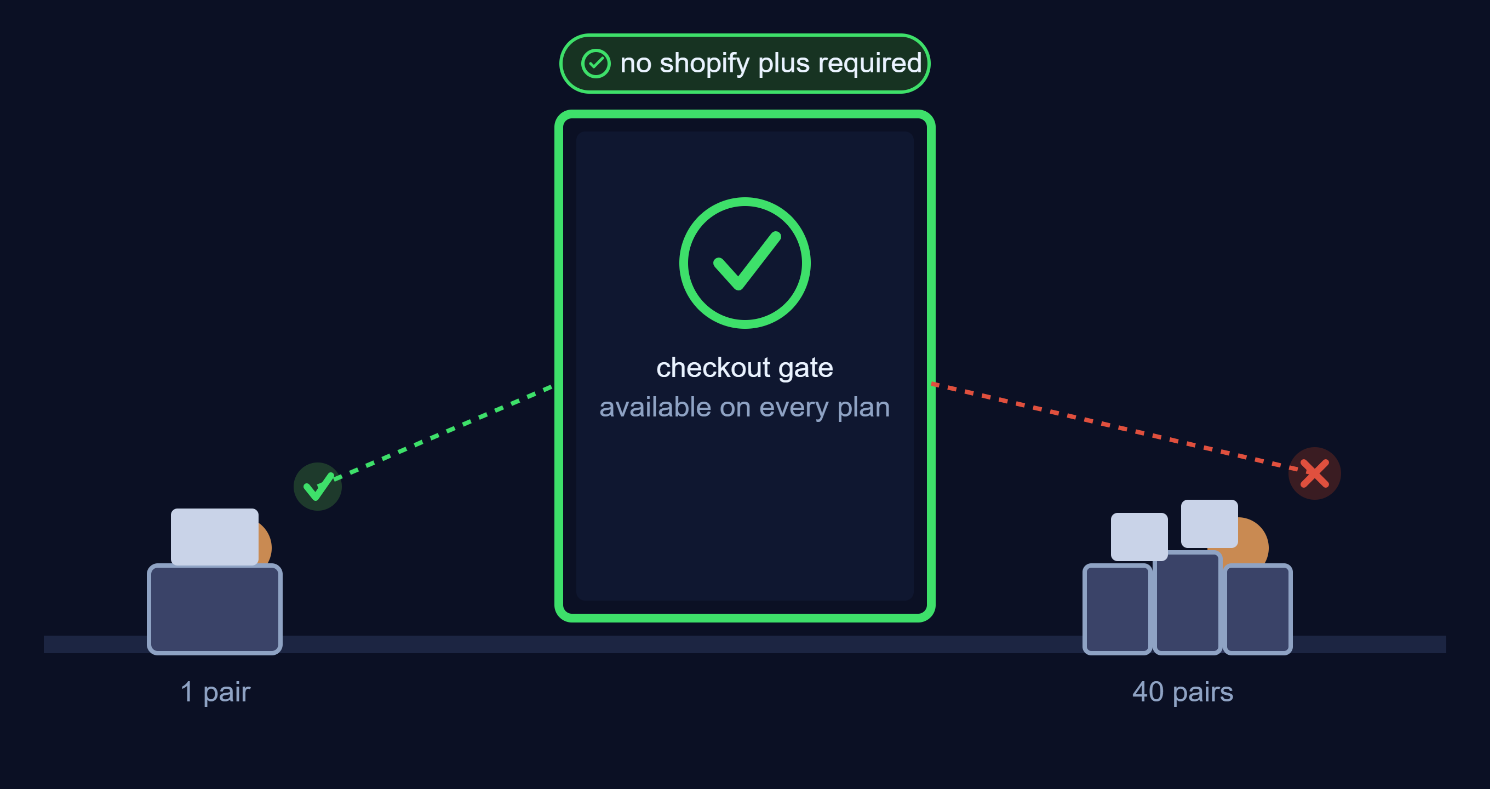
One area where checkout extensions do real work for merchants: enforcing order rules at checkout. DC Order Limits uses Shopify Functions to validate cart quantities, customer purchase limits, and mixed-cart rules server-side. If you’re running limited product drops or need wholesale minimum order quantities, this is how modern apps enforce those rules. Install DC Order Limits from the Shopify App Store.
Related guides: