· Zayd Khan · order-limits · 3 min read
What are weight-based order limits and why do they matter for shipping costs?
Weight-based order limits let merchants cap or require a minimum cart weight, keeping shipments within manageable, cost-effective ranges. Here is how they work and how to set them up.
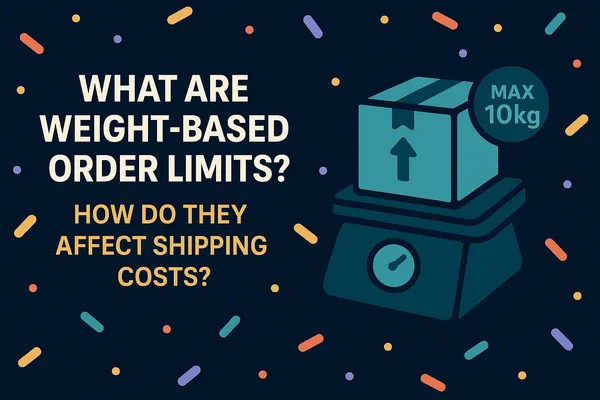
Ever had an order get too heavy and push shipping costs past what the order was worth? Weight-based order limits in DC Order Limits give you a practical way to keep that from happening.
Weight-based order limits let you set a minimum or maximum weight for customer orders, based on the combined weight of the cart rather than quantity or price. Unlike standard quantity rules, this feature is built for stores where weight has a direct impact on cost, logistics, or customer experience. Without clear boundaries, even a few extra kilograms can lead to:
- Unexpectedly high shipping charges
- Increased risk of damage during transit
- Inefficient handling and logistics
What types of stores benefit from weight limits?
Weight limits are especially useful for stores that:
- Sell heavy goods like construction materials, furniture, or bulk beverages
- Ship food and beverage products internationally, where costs spike on small orders
- Manage large or dense items such as pet food, gardening supplies, or home goods, often combined with wholesale minimum order requirements
- Run subscription boxes that need consistent weight ranges for packaging and delivery
If any of these sound like you, weight limits are worth setting up.
How to set up weight-based order limits
Setting up weight-based limits in DC Order Limits takes a few minutes:
- Click New Rule and give it a name (for internal use)
- Select Weight limits as the rule type
- Enter your minimum weight, maximum weight, and choose the unit (lb, kg, oz, g)
- Choose how it applies: to the whole cart, each product, or specific variants
- Set the product, customer, and market eligibility
- Click Save

Once configured, your store will only accept orders within the weight range you set, keeping fulfillment simple and shipping costs under control.
Example: construction supply store
A store selling 25kg bags of concrete mix noticed some customers stacking orders well past 300kg, which meant unsafe handling and freight costs that ate the entire margin. Setting a 150kg cart weight cap kept orders manageable, kept shipping affordable, and kept staff off the hook for excessive heavy lifting.
Example: furniture store shipping optimization
An online furniture retailer ran into trouble when customers ordered multiple large items at once, pushing orders past weight thresholds and triggering costly freight charges. A maximum weight limit of 50kg per order kept shipments within parcel-size ranges, avoiding freight surcharges and simplifying fulfillment.
Example: bulk goods supplier combining weight limits with market eligibility
Weight-based limits become even more effective when paired with market eligibility rules. You can apply different weight requirements to specific regions, adapting to shipping costs and logistical constraints that vary by market.
A bulk goods supplier shipping both domestically and internationally struggled to fulfill small international orders profitably. Anything under 10kg to certain regions was inefficient and costly, often requiring special handling or carriers. Setting a 10kg minimum order weight for customers in those high-cost regions, while leaving local orders unrestricted, let the business maintain healthy margins on international shipments without hurting the experience elsewhere.
Why weight-based limits matter
Weight-based limits aren’t just about cost control. They support a more consistent fulfillment process. Setting a reasonable weight boundary helps you:
- Reduce shipping expenses by avoiding oversized shipments
- Prevent delays caused by packaging or carrier complications
- Ship products safely, minimizing damage risk
- Set clearer expectations for customers around shipping methods and timelines
Weight-based order limits are live in DC Order Limits. If shipping costs have been eating your margins on heavy or oversized orders, this is how you fix it. For all limit types, see our complete order limits guide.