· Dash Checkout · order-limits · 6 min read
Shopify min/max order quantity: native vs app comparison
Shopify offers built-in quantity rules for B2B stores, but DTC merchants need third-party apps to set min/max limits. Here is what each option does and when you need which.

If you’ve searched for how to set minimum or maximum order quantities on Shopify, you’ve probably found conflicting information. Some articles mention native quantity rules, others say you need an app. The truth is both are correct, depending on your store type.
Shopify does have built-in quantity rules, but they’re designed specifically for B2B wholesale stores. If you’re selling direct to consumer (DTC), the native features won’t help you. This guide breaks down exactly what Shopify offers, where it falls short, and what third-party apps add to the picture.
What Shopify offers natively
Shopify introduced quantity rules as part of their B2B features in 2023. These rules let you set minimum, maximum, and increment values for products when selling to business customers through the wholesale channel.
Here’s what the native quantity rules include:
Minimum order quantity. Require business customers to order at least a certain number of units. Useful for wholesale where you don’t want to fulfill single-item orders.
Maximum order quantity. Cap how many units a B2B customer can purchase. Helps manage inventory allocation between wholesale and retail channels.
Quantity increments. Force orders in multiples (buy in packs of 6, 12, etc.). Common for case-pack ordering in wholesale.
Volume pricing. Offer tiered pricing based on quantity purchased. Buy 10-49 units at one price, 50-99 at another.
These features work well for their intended purpose. If you run a B2B operation through Shopify’s wholesale channel, the native tools handle basic quantity control without needing additional apps.
The limitations for DTC stores
Here’s where things get complicated. Shopify’s native quantity rules only work in the B2B context. They require:
- A Shopify Plus plan with B2B features enabled
- The B2B sales channel to be active
- Customers to be set up as B2B company contacts
For regular retail customers browsing your store, these rules simply don’t apply. A consumer can add any quantity to their cart, and Shopify won’t enforce minimums, maximums, or increments at checkout.
This matters because many DTC use cases need the same controls:
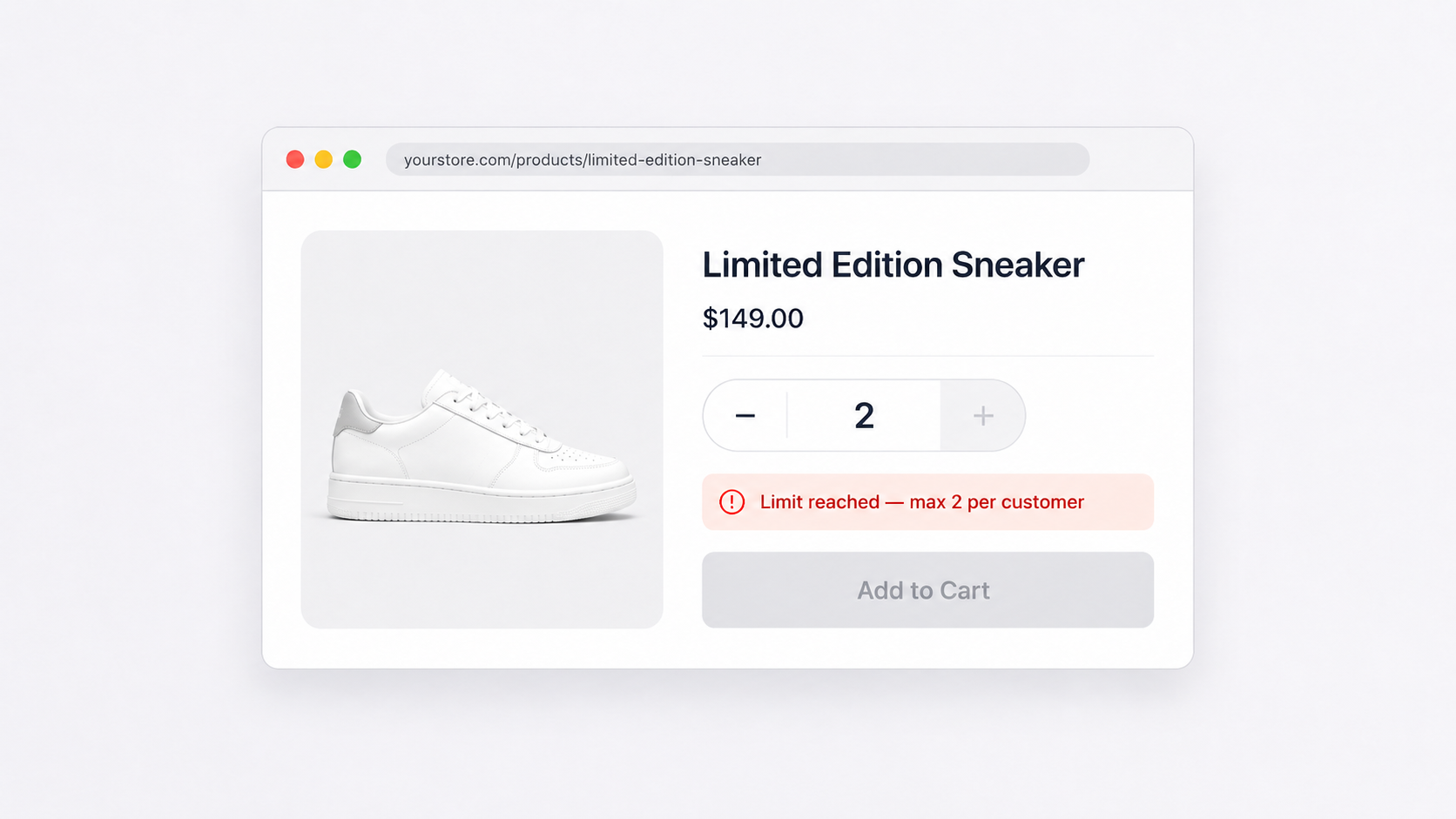
Limited product drops. You want to cap purchases at 2 per customer so more people get a chance to buy.
High-demand items. Preventing one customer from clearing your entire stock of a popular product.
Pack-based selling. Requiring purchases in multiples when you only ship items in set quantities.
Minimum order values. Encouraging larger orders to make shipping costs worthwhile.
Fraud prevention. Blocking suspiciously large orders that could indicate stolen credit cards.
None of these scenarios work with Shopify’s native quantity rules. For DTC, you need a third-party solution.
What third-party apps add
Order limit apps fill the gap by providing quantity controls that work for all customers, not just B2B contacts. The feature set varies by app, but here’s what most offer beyond native functionality:
Cart-level enforcement. Rules apply to the regular shopping cart and checkout, not just the wholesale channel. Every customer sees and follows your limits.
Product-specific rules. Set different limits for different products or collections. Your bestseller might have a max of 3, while accessories have no limit.
Customer segmentation. Apply different rules to different customer groups. VIPs might have higher limits, new customers lower ones.
Flexible scheduling. Many apps let you activate limits during sales events or product launches.
Minimum order values. Require a cart total of $50 before checkout, or apply minimums to specific collections.
Weight-based limits. Cap orders by total weight to manage shipping costs and logistics.
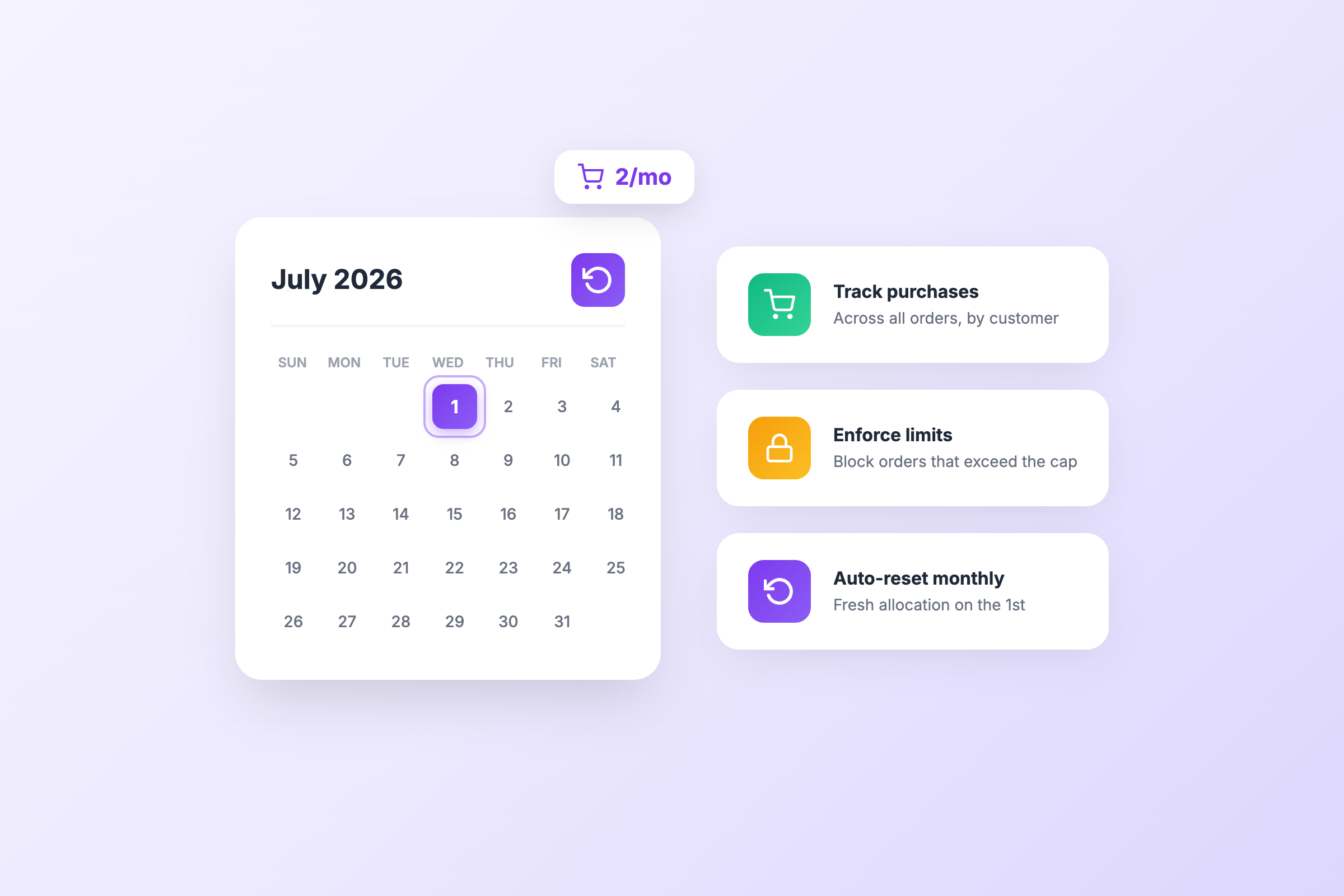
Customer purchase tracking. Remember what customers have bought across multiple orders, not just the current cart. Useful for lifetime limits on limited editions.
Comparison table
| Feature | Shopify native (B2B) | Third-party apps |
|---|---|---|
| Minimum quantity | Yes (B2B only) | Yes (all customers) |
| Maximum quantity | Yes (B2B only) | Yes (all customers) |
| Quantity increments | Yes (B2B only) | Yes (all customers) |
| Works for DTC customers | No | Yes |
| Per-product rules | Yes | Yes |
| Tag-based product rules | No | Yes |
| Customer segmentation | By company | By tags, history, location |
| Minimum order value | No | Yes |
| Maximum order value | No | Yes |
| Weight-based limits | No | Some apps |
| Cross-order tracking | No | Some apps |
| Lifetime customer limits | No | DC Order Limits only |
| Shopify Plus required | Yes | No |
When native is enough
Shopify’s built-in quantity rules work well if all of these apply to you:
- You’re on Shopify Plus with B2B features enabled
- You primarily sell wholesale to business customers
- You only need quantity controls for your B2B channel
- You don’t need to limit retail/DTC purchases
If your wholesale customers need to order in case packs with volume pricing, the native tools handle that cleanly without extra apps or monthly fees.
When you need an app
You need a third-party app if any of these describe your situation:
- You sell DTC and want minimum quantities or advanced limits beyond basic max-per-item
- You need limits that vary by customer segment or product tags
- You need to set minimum order values for free shipping or profitability
- You run limited drops and want to cap purchases per customer
- You need to prevent bulk buying or reseller abuse
- You want different limits for different customer segments
- You need limits based on cart weight or total value
For most DTC stores, the answer is clear: native features won’t cover your needs.
How DC Order Limits fits in
DC Order Limits is built specifically for DTC stores that need real quantity controls. It works on any Shopify plan and applies rules to every customer at checkout.
The app covers the basics: minimum and maximum quantities, quantity increments for pack-based ordering, and minimum order values. But where it stands apart is customer purchase limits.
The feature no other app offers: lifetime limits
Most order limit apps only see the current cart. A customer hits your max, checks out, and comes back tomorrow to buy more. The limit resets with each order.
DC Order Limits tracks purchase history across all orders. Set a lifetime limit of 2 units, and a customer who bought 2 last month cannot buy more this month, next month, or ever, until you reset their history.
This changes everything for:
Exclusive product drops. You’re releasing 500 units of a limited collaboration. Without lifetime limits, resellers place multiple orders across days or weeks. With lifetime limits, one purchase per customer means 500 different customers get the product.
Sample and trial programs. Offer a discounted sample once per customer, not once per order. Customers cannot game the system by creating repeat orders.
Fairness during high demand. Influencer mentions, viral moments, flash sales. When demand spikes, lifetime limits ensure more customers get a chance instead of a few clearing your inventory.
Subscription and membership products. Limit how many subscription slots or membership products any single customer can hold over time.
No native Shopify feature does this. No other app on the market tracks customer purchase history the same way. If lifetime limits matter to your business, this is the solution.
Beyond lifetime limits
The app also handles everyday quantity rules: tag-based product targeting, customer segmentation with Shopify tags, market-specific rules, and exclusions for VIPs or wholesale accounts. Setup takes about five minutes. Create a rule, choose your limit type, select products, and activate.
Making the choice
The decision between native and app-based quantity rules comes down to who you’re selling to.
Running a B2B wholesale operation on Shopify? Start with native quantity rules. They’re included in your plan, integrate cleanly with the B2B channel, and handle standard wholesale requirements.
Selling DTC to regular consumers? You need an app. Shopify’s native rules won’t see your retail customers, and there’s no built-in way to set the limits you need.
Many stores do both. They use native rules for their wholesale channel and add an app for DTC. The two systems work independently, so there’s no conflict.
Whatever your setup, the goal is the same: give customers a smooth buying experience while protecting your inventory and operations. The tools exist. Pick the ones that match your actual selling model.