
Back-in-Stock Alerts
When you restock, they'll know first
A stockout doesn't have to end the sale. Dash adds a notify-me form to sold-out products, keeps the list for you, and emails every shopper the moment inventory is back — automatically.
Why it matters
Out-of-stock pages are quietly expensive
Measure what you win back
The Activity tab follows every request through the funnel — notified, clicked, converted — so you can see the revenue recovered, not just emails sent.Shoppers rarely come back on their own
Most visitors who hit a sold-out product move on and forget. An email brings them back at exactly the right moment.
Demand data you can restock against
Every notify-me request tells you which products, variants, and sizes people are waiting for — before you place the next order.
High-intent emails, not cold outreach
These shoppers asked to hear from you about a specific product. Back-in-stock emails are some of the highest-converting emails a store can send.
How it works
Set it up once — Dash handles every restock after that.
Step 1: Add the notify-me form
Enable the Back-in-Stock block in your theme editor. It appears on sold-out products automatically — no code, no theme changes.
Step 2: Shoppers join the list
They leave an email on the product page. No account needed. Dash keeps one pending request per shopper per variant.
Step 3: You restock in Shopify
Update inventory the way you always do. Dash watches your stock levels — there's nothing extra to trigger.
Alerts go out, sales come back
Dash emails everyone who asked, in batches you control, and tracks who clicked and who bought.
Features
Built for how restocks actually happen
Campaigns give you control per product line — thresholds, batching, and emails in your customer's language.
Campaigns per product line
Run one default campaign store-wide, or target specific products, variants, or product tags with their own settings and priority.
Inventory thresholds
Only notify when stock passes the level you set — so five returned units don't trigger a thousand emails.
Batching and delays
Send alerts in batches with a delay between them. Restock 50 units without inviting 2,000 people to fight over them.
Emails in every language
Write the subject, heading, body, and button per locale. Shoppers get the alert in the language they shopped in.
Your name on every email
Set the from-name and reply-to address so alerts come from your store — replies land in your inbox, not ours.
Subscribers you can act on
Filter and export the full list as CSV, remove requests manually, and let shoppers unsubscribe with one click.
From "sold out" to sold, on autopilot
You restock. Dash notifies, tracks, and reports. That's the whole workflow.Pending → notified → clicked → converted
Every request moves through a clear lifecycle, so "did the emails work?" always has a real answer.
No double-sends
One pending request per email per variant. Shoppers never get spammed because they clicked "Notify me" twice.
Works alongside your other tools
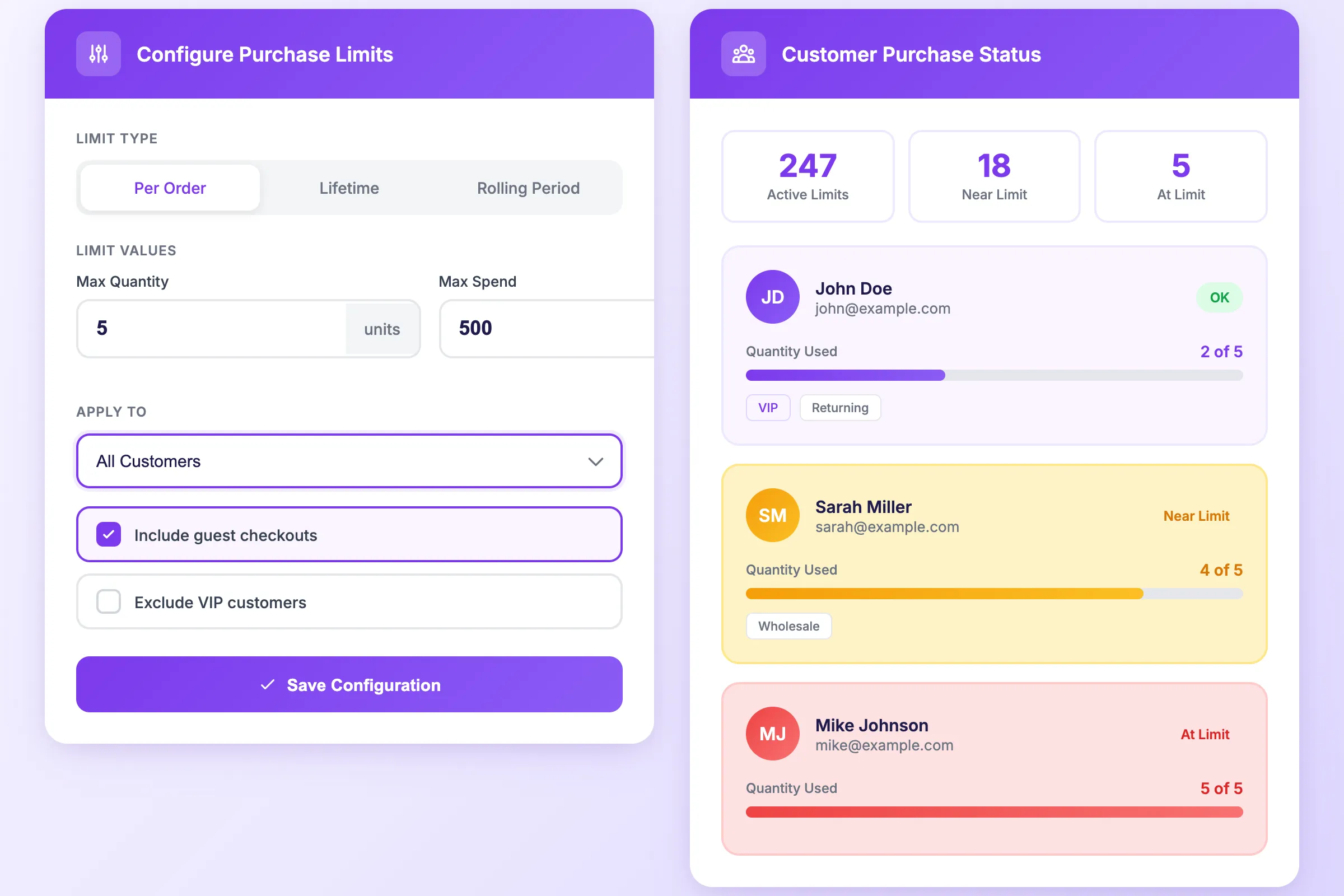
Back-in-Stock is part of Dash Checkout, so order limits can keep the restock fair — for example, one per customer on the drop everyone waited for.
FAQs
Back-in-Stock FAQs
How do customers sign up for alerts?
A notify-me form appears on sold-out product pages via a theme block you enable in the Shopify theme editor. Shoppers enter an email — no customer account required.
When exactly do alerts send?
When a variant's inventory rises above the threshold you set, Dash sends emails to everyone waiting — in batches, with an optional delay between batches, so you stay in control during big restocks.
Can I customize the emails?
Yes — subject, heading, body, button text, and footer are all editable, per language. You also set the from-name and reply-to address so emails come from your brand.
Can I limit alerts to certain products?
Yes. Campaigns can target all products, products with specific tags, selected products, or individual variants — each with its own settings.
What can I see in the analytics?
The Activity tab tracks the full funnel per campaign: requests created, alerts sent, clicks, conversions, and unsubscribes. You can also export subscribers as CSV.
Is Back-in-Stock included in the free plan?
You can collect notify-me requests on the free plan, so your waitlist builds from day one. Sending alert emails to customers requires a paid plan — see pricing.
Start building your waitlist today
Install Dash Checkout, enable the notify-me form, and your next stockout starts working for you instead of against you.