· Dash Checkout · order-limits · 5 min read
Shopify Plus vs Standard: Which order limit features require Plus?
Not every order limit feature requires Shopify Plus. Here is exactly what you get natively, what requires apps, and what genuinely needs Plus to work.
Upgrading to Shopify Plus costs $2,300/month. Before you pay that for order limits, you should know exactly what you’re getting—and what you can already do for free or with a $20 app.
The short answer: most merchants don’t need Plus for order limits. But a few specific features genuinely require it. This guide breaks down exactly which is which.
About this guide: Dash Checkout writes about Shopify checkout and order management. We make an order limits app, but this guide covers the full picture—native features, Plus exclusives, and third-party apps—because understanding your options matters more than a sale.
Quick reference: What requires what
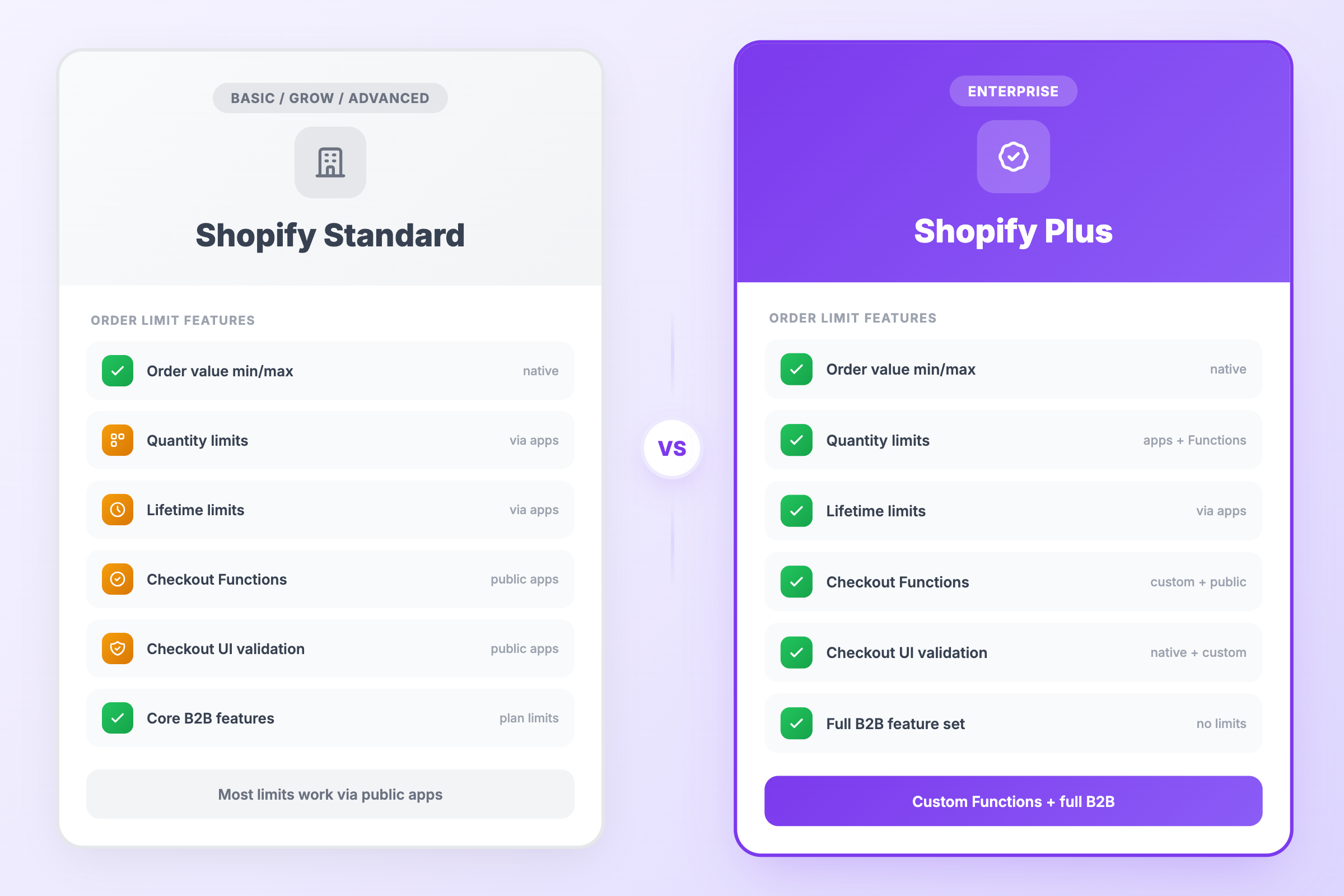
| Feature | Standard Shopify | Shopify Plus |
|---|---|---|
| Order value minimums/maximums (Checkout Blocks) | Yes | Yes |
| Product quantity limits | Apps only | Apps + Functions |
| Cart-based limits | Apps | Apps |
| Lifetime purchase limits | Apps | Apps |
| Checkout UI validation messages | Via public apps | Yes (native + custom) |
| Checkout Functions | Via public apps | Custom Functions + public apps |
| B2B-specific order rules | Core B2B features, with plan limits | Full B2B feature set |
What you get natively (no apps, no Plus)
Shopify added order value limits to Checkout Blocks in April 2026, and they’re available on all plans—Basic, Grow, Advanced, and Plus.
What you can do:
- Set minimum order subtotal (e.g., “Orders must be at least $50”)
- Set maximum order subtotal (e.g., “Orders cannot exceed $500”)
- Apply limits to all customers or B2B buyers only
- Automatic currency conversion for international customers
What you can’t do:
- Set different limits for different products or collections
- Limit quantity per product (only total order value)
- Create multiple rules for different scenarios
- Track customer purchase history
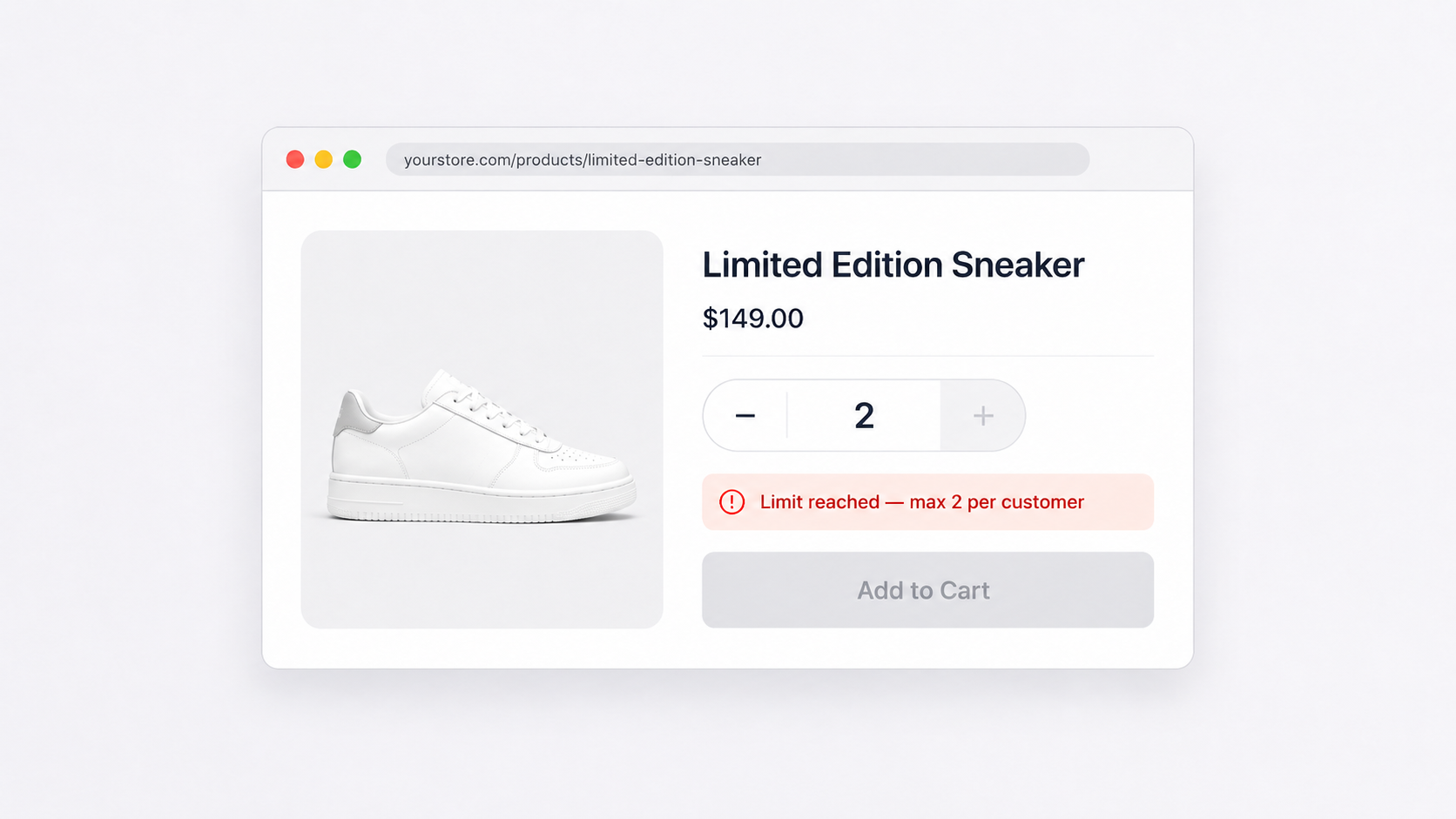
This covers basic use cases like enforcing wholesale minimums or preventing oversized orders. But if you need product-level quantity limits—“maximum 2 per customer”—you need an app.
What apps can do on any plan
Third-party apps work on all Shopify plans and handle the features Shopify doesn’t offer natively:
Cart and quantity limits:
- Maximum quantity per product per order
- Minimum quantity requirements per product
- Collection-wide limits
- Cart total quantity caps
Advanced targeting:
- Customer tag-based limits (VIPs get higher limits)
- Geographic restrictions
- Time-based limits for flash sales
Lifetime tracking:
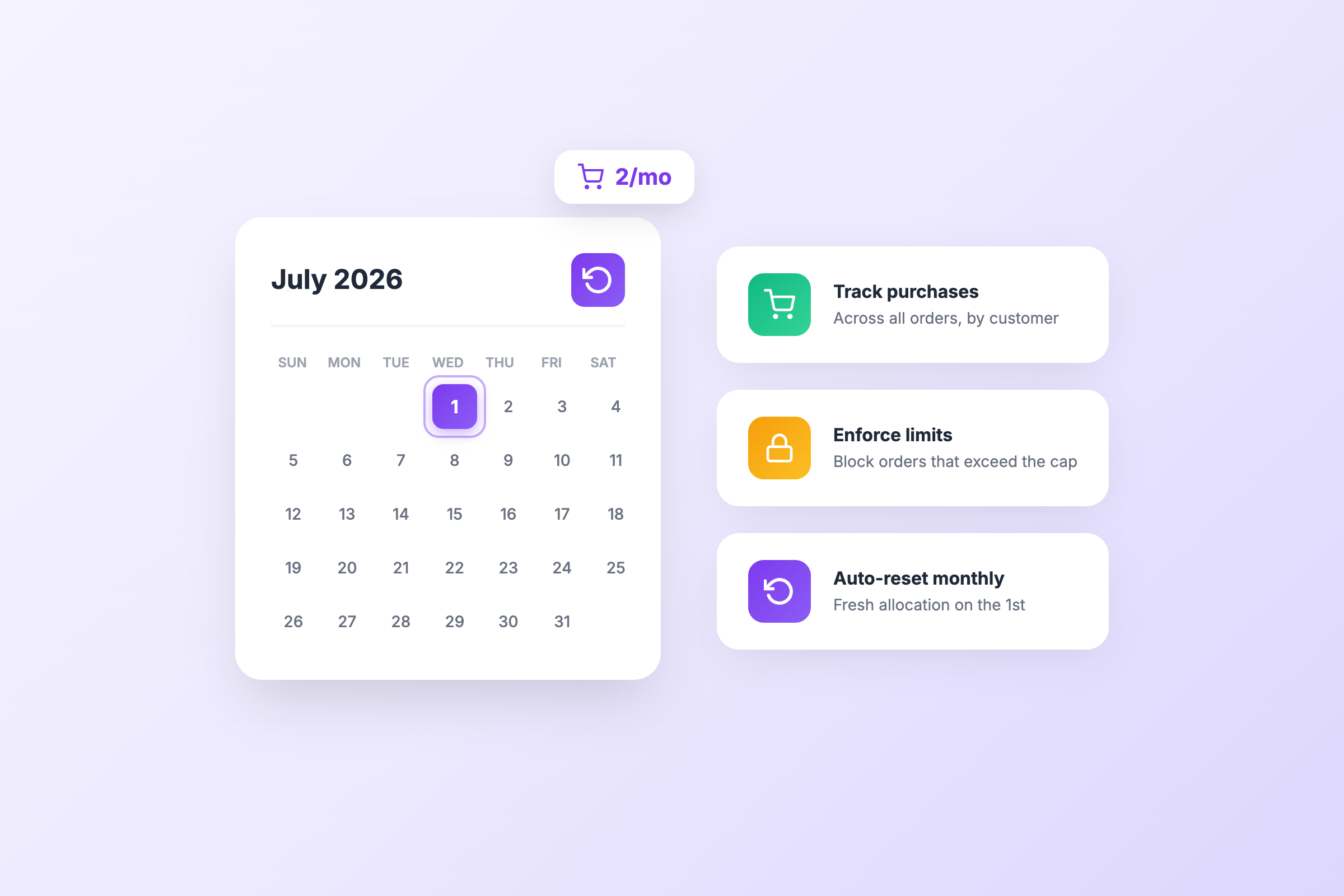
- Purchase history tracking across orders
- “2 per customer ever” limits that persist after checkout
Checkout enforcement and limited customization:
- Block checkout when order rules are not met
- Display Shopify-native validation messages
- Hide, rename, or reorder eligible shipping and payment options
- Full custom UI on the information, shipping, and payment steps still requires Shopify Plus
Public App Store apps can use Shopify Functions on any plan, although certain Function capabilities remain Plus-only.
Most order limit apps cost $10-50/month. The functionality gap between a $20 app and Shopify Plus ($2,300/month) is narrow for basic order limits.
What genuinely requires Shopify Plus
While public apps can use Shopify Functions on any plan, Shopify Plus unlocks additional checkout capabilities:
Custom Shopify Functions
Public App Store apps using Functions work on all plans. But if you want to build and deploy your own custom Function apps, you need Shopify Plus. This matters for:
- Proprietary business logic you don’t want in a third-party app
- Complex validation rules specific to your operations
- Integration with internal systems
Full Checkout UI Extensions
Checkout UI extensions for the information, shipping, and payment steps are only available on Plus. This means:
- Custom fields during checkout
- Banners and content blocks
- Interactive components placed directly inside checkout
- Custom UI that responds to shipping addresses, delivery methods, or payment selections
On standard plans, apps can display Shopify-native validation messages and modify shipping/payment options, but full custom checkout UI requires Plus.
Full B2B feature set
Standard Shopify now includes core B2B features with plan-based limits. Shopify Plus unlocks the complete B2B functionality:
- Higher limits on companies and price lists
- Advanced company-level purchase workflows
- Payment terms and net payment options
- Custom pricing tiers at scale
If your B2B order limits need to integrate with company accounts at scale and custom pricing tiers, Plus provides infrastructure beyond what’s available on standard plans.
When you actually need Plus for order limits
You probably need Plus if:
- You need custom checkout UI (not just validation messages)
- Your limits depend on checkout data (shipping method, payment type)
- You want to build and deploy your own custom Function apps
- You’re running B2B at scale with company accounts and custom pricing
- You process high volume (Plus handles 10,000 checkouts/minute)
You probably don’t need Plus if:
- You need basic quantity limits per product
- Cart-level warnings are sufficient
- You want lifetime purchase tracking
- Your limits are based on products, collections, or customer tags
For the second list, a $20-50/month app handles everything. The merchants asking “do I need Plus for order limits?” almost always fall into this category.
The real Plus upgrade triggers
Order limits alone rarely justify Plus. Merchants typically upgrade for:
- API limits: Plus gets 20 API calls/second vs 2 on standard (essential for ERP integrations)
- Staff accounts: Unlimited staff vs 2-15 on standard plans
- Checkout customization: Full control over checkout layout and branding
- Expansion stores: Up to 10 stores included, each with its own pricing and currency
- B2B infrastructure: Native company accounts and wholesale functionality
If you need these anyway, the order limit features come along for the ride. But upgrading just for order limits? The math doesn’t work.
Recommendation
If you’re reading this to decide whether Plus is worth it for order limits: it probably isn’t.
Start with Checkout Blocks for order value limits (free, native, works now). Add an order limits app if you need product quantity restrictions. The combination handles 90% of use cases for under $50/month.
Consider Plus when you hit genuine scaling triggers—API limits, staff account caps, B2B complexity—not when you need to limit customers to 2 hoodies per order. That’s a solved problem at 1/100th the cost.
Related guides: