· Zayd Khan · order-limits · 9 min read
How trading card stores use order limits to protect limited releases
TCG stores face a unique challenge: limited allocations and massive demand. Learn how Pokemon, Yu-Gi-Oh!, and collectibles merchants use order limits to ensure fair access.
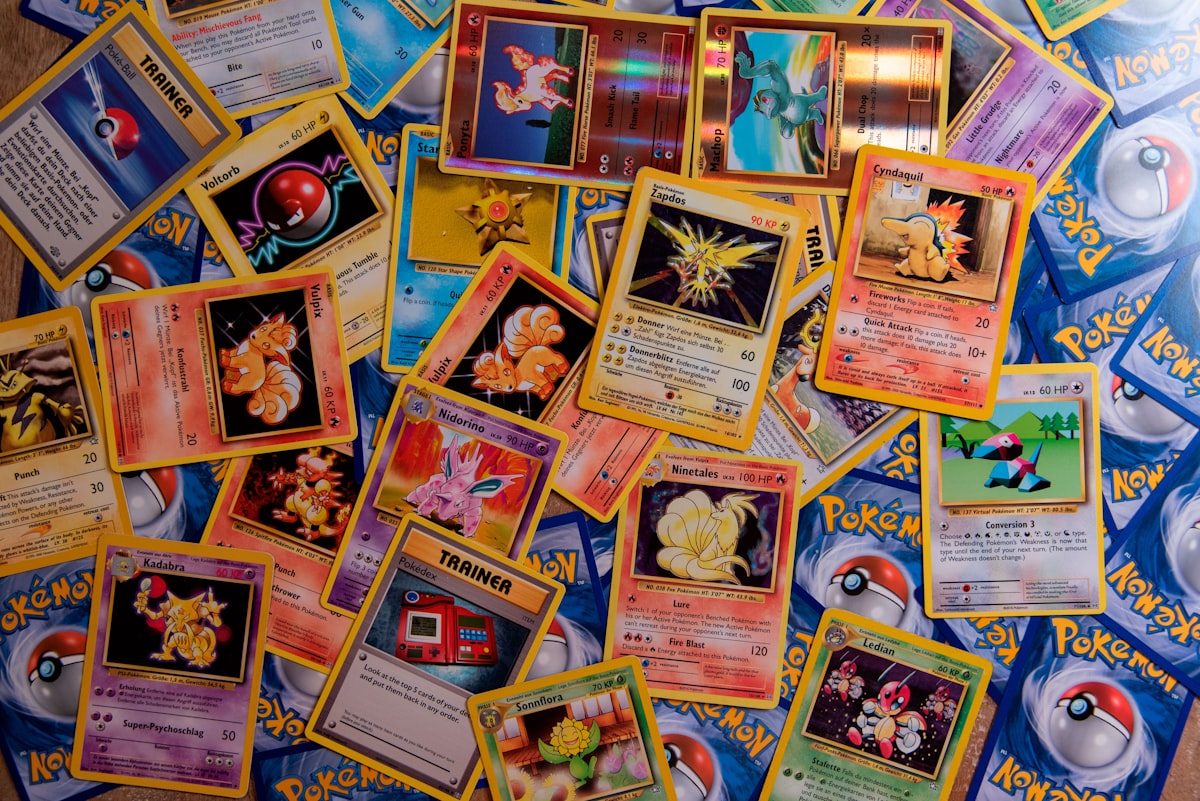
If you sell Pokemon, Yu-Gi-Oh!, Magic: The Gathering, One Piece TCG, Disney Lorcana, or sports cards, you know the supply problem. Distributors allocate limited quantities. Demand often far exceeds what you can stock.
Without purchase limits, the fastest buyer wins. Often that’s a reseller with automation tools, not the collector who’s been waiting months for that specific set.
Order limits change this equation. They give every customer a fair chance at limited products instead of letting a few people clear your inventory.
Here’s how trading card stores on Shopify are using order limits to protect their drops and build customer loyalty.
The scalper problem in trading cards
The Pokemon TCG scalping situation has pushed retailers to their limits. When The Pokemon Company releases a sought-after set, demand instantly overwhelms supply. Small retailers often receive limited allocations while facing massive demand.
Scalpers exploit this scarcity. They use multiple accounts, family members’ addresses, and automated checkout tools to buy as much inventory as possible. Then they list products on eBay or StockX at 2x to 5x retail price.
Major retailers responded with strict limits:
- Walmart: 5 Pokemon TCG items per customer, in-store and online
- GameStop: 2 items per customer, with managers often dropping to 1 for high-demand releases
- Target: Pokemon cards sold from behind service counters with strict limits
Your Shopify store faces the same pressure. Without similar protections, you’re fighting the scalper problem alone.
Types of order limits for TCG stores
Not all limits work the same way. Understanding the differences helps you choose the right approach for your products.
Cart quantity limits
This is Shopify’s built-in option. You set a maximum quantity per product in the cart. If someone tries to add 5 units of a product with a limit of 2, the cart blocks it.
The problem: cart limits reset with each order. A scalper places one order for 2 units, then immediately places another order for 2 more. The limit only applies within a single checkout session.
For regular products, cart limits work fine. For limited TCG releases, they’re not enough.
Customer limits (per checkout)
Some order limit apps track customers within a session or require login. This prevents someone from simply refreshing and buying again in the same visit.
Better than cart limits, but still vulnerable. Creating a new account or using guest checkout in a different browser bypasses the protection.
Lifetime limits (purchase history tracking)
This is what TCG stores actually need. Lifetime limits track each customer’s purchase history across all their orders. If a customer bought 2 units of a product last week, they can’t buy more this week.
The app remembers what each logged-in customer has purchased. The limit applies to their entire history with that product, not just the current cart or session.
DC Customer Order Limits provides this feature. When you set a lifetime limit of 2 units on a Pokemon ETB, that customer cannot purchase more than 2 total, regardless of how many orders they place or how many times they visit your store.
Setting limits for different products
Not every product in a TCG store needs the same restrictions. Here’s how stores typically segment their limits:
Sealed products (booster boxes, ETBs, special sets)
These are where scalpers focus. A booster box or Elite Trainer Box from a popular set can resell for significant profit. Tight limits are essential.
Common limits:
- Premium sets (UPC, special editions): 1 per customer
- Standard booster boxes: 1 to 2 per customer
- ETBs and collection boxes: 1 to 2 per customer
- Booster packs: 10 to 20 per customer
The specific number depends on your allocation. If you received 6 booster boxes and have 500 customers who want one, a 1-per-customer limit means 6 customers get one each. A 2-per-customer limit means 3 customers get two each. Neither is perfect, but the first approach serves more unique customers.
Single cards and chase cards
Individual cards usually don’t need limits. Scalpers focus on sealed product because it’s easier to resell. Singles require more expertise to price and move.
Exception: if you pull and list a rare chase card at below-market price, you might want a limit to prevent someone from buying your entire inventory and relisting it.
Accessories (sleeves, playmats, deck boxes)
Accessories rarely need limits. Supply is usually adequate, and resale margins are thin. Let customers buy what they need without restrictions.
Exception: limited edition playmats or branded accessories tied to specific sets. These can attract the same scalper interest as sealed product.
How to set up order limits on Shopify
Here’s a step-by-step approach using DC Customer Order Limits:
Step 1: Identify which products need limits
Tag your limited products with something like “limited-drop” or “max-2” so you can apply rules to them as a group. This saves time when you have multiple products in a release.
Step 2: Create a customer purchase limit rule
In the DC Order Limits app:
- Create a new rule
- Select “Customer Purchase Limit” as the rule type
- Set the maximum quantity (e.g., 2)
- Apply the rule to products with your “limited-drop” tag
- Enable “Track across all orders” for lifetime enforcement
Step 3: Configure the error message
Write a clear message that explains what’s happening:
“This product is limited to 2 per customer. You’ve already purchased your maximum quantity.”
Avoid generic error messages. Customers should understand why they can’t add more.
Step 4: Decide on guest checkout
For lifetime limits to work, customers need to log in. The app can’t track anonymous guest checkouts across sessions.
Options:
- Require login for limited products (best protection)
- Allow guest checkout but set stricter per-order limits for guests
- Disable guest checkout entirely during major drops
Step 5: Test before the drop
Create a test order as a logged-in customer. Try to place another order exceeding your limit. Verify the error message appears and the checkout is blocked.
Preventing workarounds
Scalpers adapt. Here are common workarounds and how to address them:
Multiple accounts
A scalper creates john@gmail.com, john2@gmail.com, john3@gmail.com. Each account gets the full limit.
Mitigation: There’s no perfect solution, but watching for patterns helps. Multiple orders to the same address, similar names, or the same payment method can flag suspicious activity. Cancel orders that look like the same person buying through multiple accounts.
Guest checkout exploitation
Without login, you can’t track purchase history. A scalper uses guest checkout repeatedly with different email addresses.
Mitigation: Require login for limited products. Yes, this adds friction. For a product with 10x demand and limited supply, that friction is acceptable.
Different addresses
A scalper ships to their home, their office, a family member’s house, and a PO box. Each order looks legitimate individually.
Mitigation: This is harder to catch automatically. Manual review of orders from the same customer name or payment method to different addresses can help. Some fraud detection apps flag this pattern.
Communicating limits to customers
Customers accept limits when they understand why they exist. Clear communication prevents complaints and builds trust.
On product pages
Add limit information directly to the product description:
“Due to limited allocation from the distributor, this product is limited to 2 per customer. This ensures more collectors have a chance to purchase.”
Place this near the add-to-cart button where customers will see it before attempting to buy.
At checkout
When a limit is triggered, the error message should be helpful, not frustrating:
- Good: “You’ve reached the maximum of 2 for this product. We’ve set limits so more collectors can get a chance.”
- Bad: “Error: Quantity exceeds limit.”
In email confirmations
After a limited purchase, confirm the limit in the order confirmation:
“You’ve purchased 2 of the 2 maximum for this product. Thank you for understanding our limits.”
This sets expectations and reduces “why can’t I buy more” support tickets.
On social media
When announcing a drop, lead with the limits:
“Prismatic Evolutions ETB dropping Friday at 12pm ET. Limit 1 per customer. We want as many collectors as possible to have a chance.”
Customers appreciate transparency. It signals that you’re trying to be fair.
How limits play out in practice
Scenario: Pokemon Elite Trainer Box release
Say a TCG store receives 12 ETBs for a major Pokemon release, with far more customers interested. This is a classic limited drop protection scenario.
Without limits: The first few customers could buy all 12 boxes. The drop sells out in seconds, most customers never had a chance, and the boxes appear on eBay within hours.
With limits (1 per customer): 12 different customers each get one box. The drop still sells out quickly, but 12 collectors got product at retail instead of paying resale prices.
Scenario: Sports card hobby box release
A sports card store gets 20 hobby boxes of a popular release. They set a limit of 2 per customer with lifetime tracking.
Even customers who try to place a second order the next day are blocked because the app remembers their purchase history. This prevents the same buyer from clearing inventory across multiple sessions.
Scenario: Board game limited release
A board game store receives limited copies of a highly anticipated title. They set a strict 1 per customer limit.
More unique customers get the game. Those who miss out are disappointed but appreciate the fair process and are more likely to return for the next release.
Building customer loyalty through fair limits
Limits might seem like they’d frustrate customers. The opposite often happens.
Collectors understand scarcity. They know demand exceeds supply for popular TCG products. What frustrates them is when one person buys everything and flips it at inflated prices.
When you set fair limits and communicate them clearly, you signal that you’re on the collector’s side. You’re trying to get product into the hands of people who actually want to open and enjoy it, not people who see it as arbitrage.
Over time, this builds loyalty. Customers come back for future drops because they know they’ll have a fair chance. They recommend your store to other collectors. They forgive the occasional sellout because they trust your process.
Getting started with order limits for your TCG store
If you’re running a trading card store on Shopify and haven’t set up proper order limits yet, here’s where to start:
Identify your highest-demand products. Which items sell out fastest? Which ones appear on resale sites at inflated prices? Those need limits.
Set lifetime limits, not just cart limits. Shopify’s built-in limits reset with each order. You need an app that tracks customer purchase history.
Communicate limits everywhere. Product pages, checkout, email confirmations, social media. Customers should never be surprised by a limit.
Require login for limited products. Guest checkout makes tracking impossible. For high-demand releases, login friction is acceptable.
Review orders after drops. Look for patterns that suggest someone bypassed your limits. Cancel suspicious orders before shipping.
DC Customer Order Limits can help you set up lifetime purchase tracking for your TCG store. Set limits by product, variant, or collection. Track customer purchases across all their orders. Show clear error messages that explain why limits exist.
Your collectors will thank you.