· Dash Checkout · order-limits · 5 min read
How to set up tiered wholesale pricing with order minimums on Shopify
Combine volume price breaks with minimum order quantities so wholesale buyers unlock better pricing only when ordering enough to make shipping worthwhile.
Wholesale pricing without order minimums loses money. You offer a 20% discount at 100 units, and someone orders 5 at full price—which barely covers shipping. The whole point of wholesale is volume efficiency.
Tiered pricing and order minimums work together: price breaks reward larger orders, and minimums ensure every order is worth fulfilling. This guide shows how to set up both on Shopify.
About this guide: Dash Checkout writes about Shopify B2B and wholesale operations. We make an order limits app, but this guide covers native Shopify features and third-party options because the right approach depends on your plan and requirements.
What tiered wholesale pricing actually means
Tiered pricing means the unit price drops as order quantity increases:
| Quantity | Price per unit |
|---|---|
| 1-11 | $10.00 |
| 12-47 | $8.50 (15% off) |
| 48-143 | $7.00 (30% off) |
| 144+ | $5.50 (45% off) |
The key insight: each tier should match a shipping threshold. 12 units might be a case. 48 might be a carton. 144 might be a pallet. You’re not just giving discounts—you’re aligning pricing with fulfillment efficiency.
What order minimums enforce
Order minimums prevent unprofitable orders:
- Quantity minimums: “Must order at least 12 units of this product”
- Cart minimums: “Wholesale orders require $500 minimum”
- Case pack increments: “Must order in multiples of 12”
Without minimums, someone can grab 3 units at tier-1 pricing. With minimums, they have to order 12 (a full case) before checkout works at all.
Native Shopify B2B: What it offers
Shopify’s native B2B features handle tiered pricing and quantity rules. As of April 2026, B2B is available on all plans—not just Plus.
Setting up quantity rules
From your Shopify admin:
- Go to Markets > Catalogs
- Select a catalog (or create one for your wholesale customers)
- Add products and click Manage quantity rules
You can set:
- Minimum quantity: The lowest amount a customer can order
- Maximum quantity: The highest amount per order
- Increment: Order in multiples (e.g., cases of 12)
Example: Minimum of 12, increment of 12 means customers can order 12, 24, 36—but not 5 or 15.
Setting up volume pricing
In the same catalog:
- Select a product and click Manage volume pricing
- Add price tiers based on quantity breaks
- The displayed price updates dynamically as buyers adjust quantity
Limitation: Volume pricing applies at the variant level. If you sell a shirt in 5 colors, you set tiers per color—not across the whole product.
Important constraints
Native Shopify B2B has limits:
- Maximum 3 catalogs on Basic, Grow, and Advanced plans (Plus removes this limit)
- Applies to B2B company profiles only—won’t work for tagged wholesale customers without company accounts
- No cart-total discounts—tiered pricing is per-product, not “10% off orders over $1,000”
If these constraints fit your operation, native B2B handles tiered pricing without additional apps.
Apps for more complex requirements
When native B2B doesn’t cover your needs, apps fill the gaps:
When you need apps
- Cart-total tiers: “15% off orders over $1,000, 25% off orders over $5,000”
- Tagged customers: Wholesale pricing for customers with a “wholesale” tag, not formal B2B company accounts
- Mixed retail and wholesale: Same storefront, different pricing based on customer type
- Net payment terms: 30-day or 60-day payment options
Recommended approaches
For tiered pricing: Apps like BSS B2B Wholesale Pricing or Wholesale Price & B2B Solution handle volume discounts across the cart, not just per-product.
For order minimums: DC Order Limits enforces cart minimums, quantity minimums, and case pack increments. Works with both B2B company accounts and tagged customers.
Layered approach: Use Shopify’s native volume pricing for per-product tiers, then add an order limits app for cart-level minimum enforcement. The tools complement each other.
Setting up tiered pricing with minimums: Step by step
Here’s the practical setup for a common scenario:
Goal: Wholesale customers get tiered pricing, but must order at least $500 per order and buy products in case quantities.
Option 1: Native B2B only
- Create a B2B catalog with your wholesale products
- Set volume pricing on each product with your tier breaks
- Set quantity rules with minimum = 12, increment = 12 for case-pack products
- Add companies to the catalog for your wholesale accounts
Limitation: No cart-total minimum. You’re enforcing per-product minimums but can’t require “$500 total order.”
Option 2: Native B2B + Order limits app
- Set up native B2B for volume pricing and case-pack increments (steps above)
- Install an order limits app like DC Order Limits
- Create a cart minimum rule: $500 minimum for customers tagged “wholesale” or B2B company accounts
- Configure messaging: “Wholesale orders require a $500 minimum. Your current cart total is $350.”
Result: Customers see tiered pricing, must order in case quantities, and can’t checkout under $500.
Option 3: App-based wholesale (no B2B company accounts)
If you don’t want formal B2B company accounts:
- Install a wholesale pricing app that supports tagged customers
- Tag wholesale customers with “wholesale” in their customer profile
- Configure tiered pricing in the app based on quantity or cart total
- Add order limits for minimums and case-pack enforcement
This works for merchants who want wholesale pricing without the overhead of B2B company management.
Common configurations
Case pack wholesaler
A beverage distributor selling drinks by the case:
- Minimum: 1 case (24 cans)
- Increment: 1 case (24 cans)
- Tier 1: 1-3 cases at $24/case
- Tier 2: 4-9 cases at $22/case
- Tier 3: 10+ cases at $20/case
- Cart minimum: $200
Apparel wholesaler
A clothing brand with boutique accounts:
- Minimum: 6 units per style/size
- Increment: 6 units (half-dozen packs)
- Tier 1: 6-23 units at $15/unit
- Tier 2: 24-71 units at $13/unit
- Tier 3: 72+ units at $11/unit
- Cart minimum: $500
Mixed retail and wholesale
A store serving both consumers and retailers:
- Retail: Full price, no minimums
- Wholesale (tagged customers): 30% off, $300 minimum
- Volume tiers on top of wholesale pricing for larger orders
Making sure minimums display correctly
Whatever tools you use, ensure customers know the rules before they hit checkout:
- Product pages: Display minimum quantities and case sizes
- Cart page: Show progress toward minimum order value
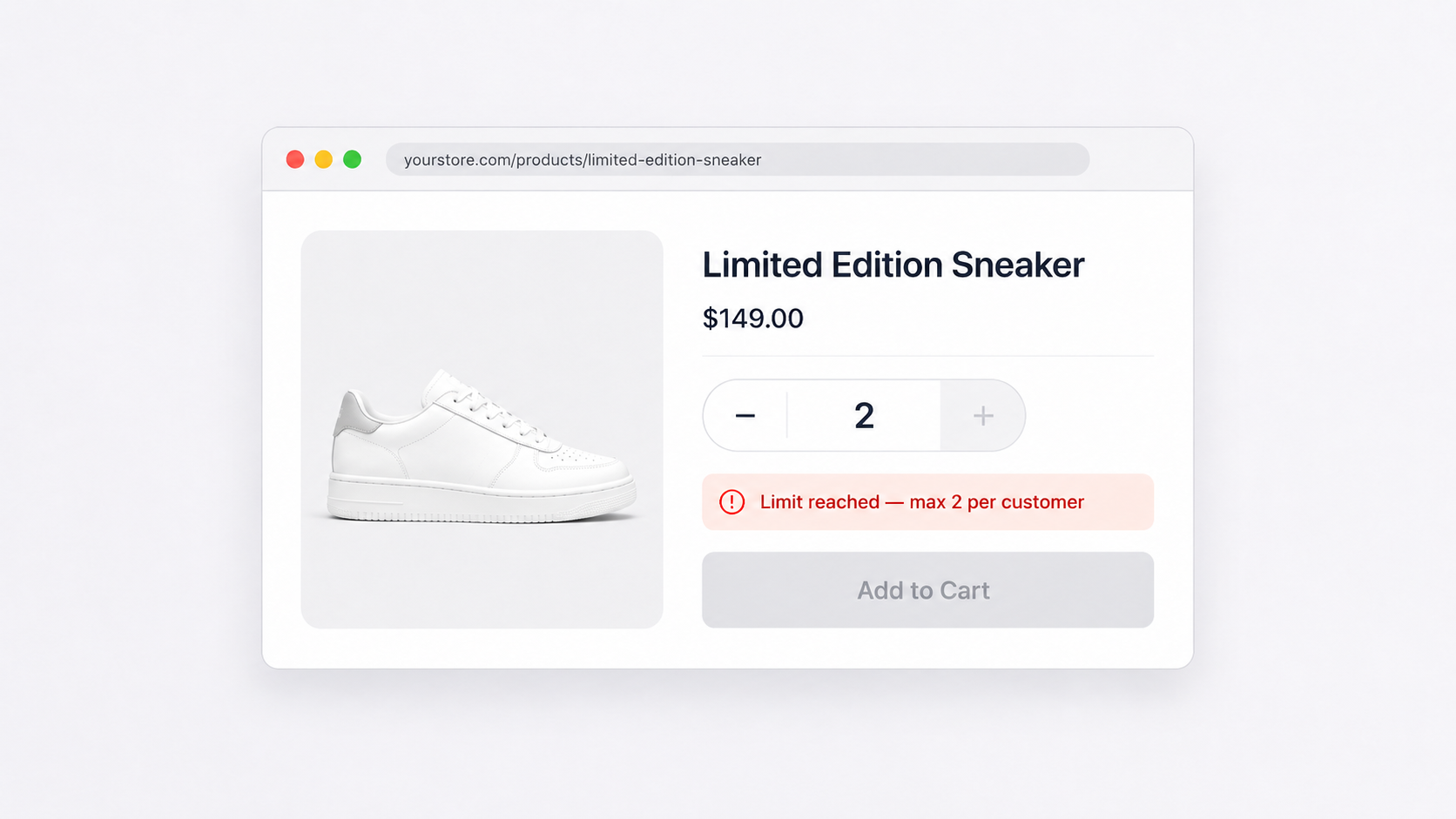
- Checkout blocking: Clear error messages when minimums aren’t met
Nothing frustrates wholesale buyers more than adding products, reaching checkout, and getting blocked with a vague error. Tell them upfront what’s required.
When to use what
| Scenario | Recommended approach |
|---|---|
| Simple volume tiers, B2B accounts only | Native Shopify B2B |
| Need cart-total minimums | Native B2B + order limits app |
| Tagged wholesale customers (no company accounts) | Wholesale app + order limits app |
| Complex multi-tier with net terms | Shopify Plus + B2B apps |
| Just starting wholesale | Native B2B, add apps as needs grow |
Start with native features. Add apps when you hit constraints. The goal is operational efficiency—not app overhead.
Related guides: