· Zayd Khan · order-limits · 8 min read
How to run a successful product drop for your trading card store
Learn how TCG stores manage Pokemon, Yu-Gi-Oh!, and collectible card drops on Shopify. Set quantity limits, prevent scalpers, and keep customers happy.
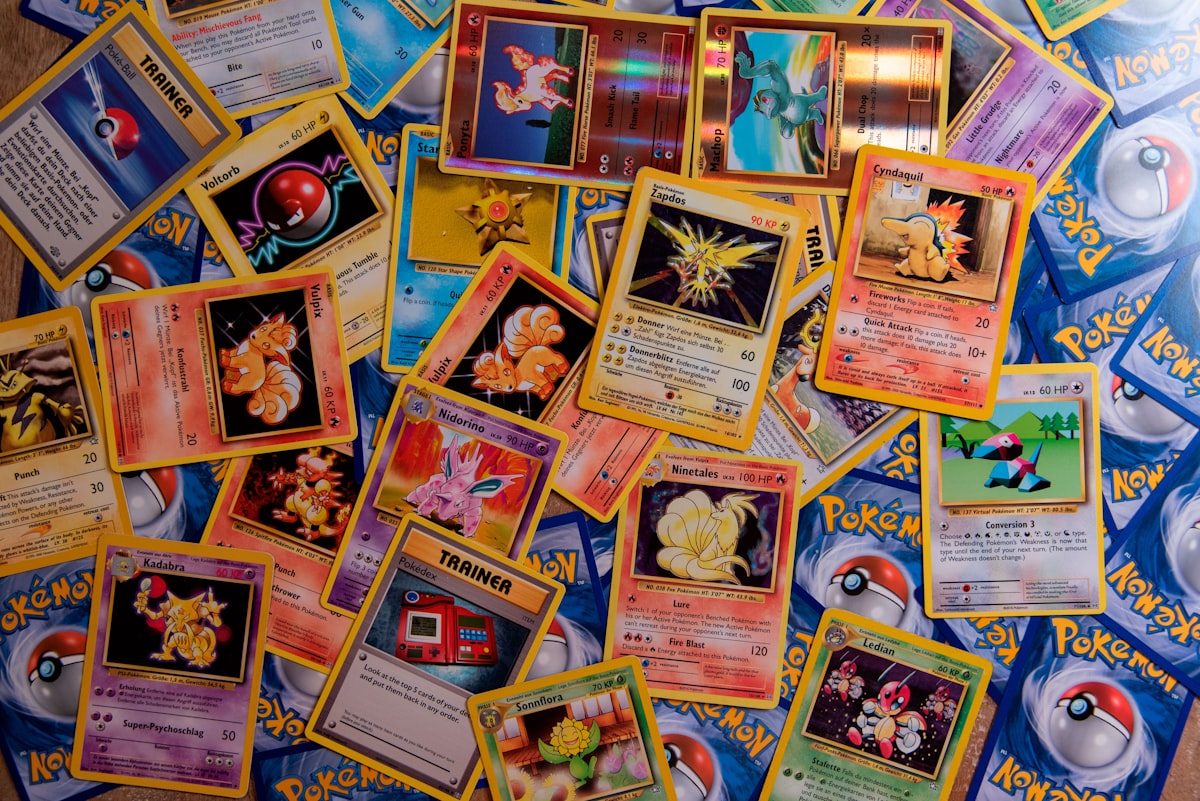
If you run a trading card store, you know the math rarely works out. Limited allocations from distributors, thousands of customers waiting, and products that sell out in minutes.
When The Pokemon Company announces a new set, when Konami drops a Yu-Gi-Oh! special edition, when Bandai releases a One Piece booster box, demand outpaces supply by orders of magnitude. TCG store owners deal with this constantly: limited units per product, far more customers than inventory.
The stores that handle these drops well aren’t the ones with the biggest allocations. They’re the ones who set up their systems before the traffic arrives.
Here’s how to run product drops that feel fair to customers and sustainable for your business.
Why product drops are different for TCG stores
If you sell Pokemon, Yu-Gi-Oh!, Magic: The Gathering, One Piece, or sports cards, you already know the supply constraints are real. Distributors allocate products based on purchase history, and even established stores often receive a fraction of what they could sell.
This creates a unique challenge. Most ecommerce advice assumes you want to sell as much as possible to whoever will buy. For TCG stores, the goal is different: distribute limited inventory fairly so your actual customers get access, not just the fastest clickers or the people running bots.
Major retailers have figured this out. Walmart now limits Pokemon TCG purchases to 5 items per customer. GameStop enforces a 2-item limit on new releases, with many store managers dropping to 1-per-person for high-demand sets. Target moved Pokemon cards behind the counter entirely.
Your Shopify store needs similar protections, but with more flexibility than a big box retailer can offer.
How do trading card stores manage limited edition product drops on Shopify?
Successful TCG stores typically approach drops in three phases: before, during, and after. Each phase has specific tasks that determine whether the drop goes smoothly or turns into a support nightmare.
Before the drop is where most of the work happens. You’re setting expectations, configuring limits, and making sure your store can handle the traffic.
During the drop is mostly about monitoring. If you’ve done the prep work, launch day should be straightforward.
After the drop is about communication. Some customers won’t get what they wanted. How you handle that shapes whether they come back for the next release.
Let’s walk through each phase.
Before the drop: planning and preparation
Announce early, but not too early. Most TCG stores send an email 24 to 48 hours before a drop goes live. This gives your regular customers time to plan without creating a weeks-long window for resellers to organize.
Include the key details in your announcement:
- Exact date and time (with timezone)
- Which products are dropping
- Quantity limits per customer
- Whether you’re requiring account login
Set your quantity limits before you announce. The worst time to configure purchase limits is 30 minutes before launch when you’re stressed and rushing. Set them up days in advance, test them, and leave them alone.
Common limit ranges for TCG drops:
- Booster boxes: 1 to 2 per customer
- Elite Trainer Boxes / special sets: 1 to 2 per customer
- Booster packs: 10 to 20 per customer
- Accessories (sleeves, playmats): no limit or higher limit
The exact numbers depend on your allocation and customer base. A store with limited ETBs might set a strict 1-per-customer limit. A store with more inventory might allow 2.
Decide how you’re tracking limits. This is where Shopify’s native options fall short. The built-in cart quantity limit only restricts what someone can add to a single checkout. It doesn’t stop them from placing multiple orders or creating new accounts.
For product drops, you want limits that track across orders. If someone buys 1 ETB on Monday, they shouldn’t be able to buy another on Tuesday from the same drop allocation.
Customer lifetime limits solve this. They track purchase history per customer and enforce limits across multiple orders, not just within a single cart.
Require account creation. Guest checkout makes sense for regular purchases, but for limited drops, requiring customers to log in gives you better tracking. It also creates a small barrier that slows down casual resellers (though determined ones will create accounts anyway).
Test everything. Add a product to your cart. Try to exceed the limit. Make sure the error message is clear. Check that the limit applies to the right products. Do this on desktop and mobile.
What’s the best way to launch a Pokemon TCG product on Shopify?
Launch day should be boring if you’ve done the prep work. Here’s a checklist:
Two hours before:
- Verify your limits are active and applied to the correct products
- Check that your product pages show the limit information
- Make sure your error messages are clear
- Test the checkout flow one more time
At launch:
- Change product status from draft to active (or remove the password if you’re using a collection password)
- Post to your social channels
- Send your email notification if you haven’t already
During the drop:
- Monitor for unusual patterns (same address ordering multiple times, rapid-fire orders from different accounts)
- Keep an eye on your Shopify admin for any checkout errors
- Don’t make changes to your limits mid-drop unless something is clearly broken
After sellout:
- Update product pages to show “Sold out” status
- Post a thank you message to social media
- Prepare for the support messages that are coming
Communicating limits to customers
Clear communication prevents most complaints. Customers who know about limits before they try to buy 10 units are much less frustrated than customers who get blocked at checkout.
On product pages: Add the limit information directly to the product description. Something like “Limit 2 per customer for this release” near the add-to-cart button.
In your announcement email: State the limits clearly. “Due to limited allocation, we’re limiting Elite Trainer Boxes to 1 per customer for this drop.”
At checkout: Use custom error messages that explain what’s happening. “You’ve reached the maximum quantity for this product (2 per customer)” is better than a generic “Invalid quantity” message.
On social media: Remind followers about limits when you announce the drop. This sets expectations and signals that you’re trying to be fair.
After the drop: handling disappointed customers
Some customers won’t get what they wanted. Maybe they missed the drop entirely, or maybe they wanted 4 boxes but could only buy 2.
How you handle this shapes your reputation.
Acknowledge the frustration. A simple response like “We know it’s disappointing when products sell out quickly. Our allocation was limited and we wanted to make sure as many collectors as possible got a chance” goes a long way.
Explain why limits exist. Most real collectors understand. “We set limits so that more of our customers could get at least one box, rather than a few people buying everything.”
Point to the next opportunity. If you know when you’re getting more allocation, share that. “We’re expecting our next shipment in about 3 weeks. Sign up for notifications and we’ll let you know.”
Consider a waitlist for future drops. Some TCG stores keep a waitlist and notify customers in order when new inventory arrives. This builds loyalty and gives customers a reason to stay engaged with your store.
Tools TCG stores use for product drops
Order limits apps. Shopify’s native cart limits only restrict quantity per checkout. For drops, you need an app that tracks customers across orders and enforces limits over time. DC Customer Order Limits offers lifetime purchase tracking that remembers what each customer has bought and enforces limits accordingly.
Inventory sync tools. If you sell on multiple channels (your Shopify store, TCGplayer, eBay), inventory sync tools like TCG Sync help you manage stock across platforms. Nothing frustrates customers more than buying something that’s already sold elsewhere.
Email marketing. Your email list is your most valuable asset for drops. Customers who’ve opted in are more likely to be real collectors than random traffic. Klaviyo, Mailchimp, or Shopify Email all work well for drop announcements.
Customer tags. Some stores use customer tags to identify VIP customers or loyalty members, then give them early access or higher limits. If you’ve been tracking your best customers, this is a way to reward them.
A simple product drop checklist
One week before:
- Set up quantity limits on drop products
- Configure lifetime limits if using them
- Write your announcement email
- Prepare social media posts
Two days before:
- Send announcement email with date, time, and limits
- Post to social media
- Test your limits (add to cart, try to exceed, check error messages)
Day of drop:
- Final test of checkout flow
- Publish products at scheduled time
- Monitor for issues
- Respond to questions promptly
After sellout:
- Update product status
- Post thank you message
- Respond to disappointed customers
- Note what worked and what didn’t for next time
Making drops sustainable for your store
Product drops are stressful. The demand exceeds supply, customers are anxious, and the window for things to go wrong is small but intense.
The stores that do this well treat drops as a system, not an event. They have a process they follow each time. They set up their limits the same way. They send similar emails. They respond to disappointed customers with the same empathy.
Over time, your customers learn what to expect. They know you’ll be fair. They know they have a chance. And they keep coming back, drop after drop, because they trust that your store is trying to do right by collectors.
If you’re running a TCG store on Shopify and dealing with the chaos of limited releases, setting up proper order limits is the first step toward making drops feel manageable. DC Customer Order Limits can help you set quantity limits per product, track customer purchases across orders, and communicate limits clearly at checkout.
Ready to protect your next drop? Learn how to set up limited drop purchase limits or read our complete guide to product drop protection on Shopify.