· Dash Checkout · order-limits · 5 min read
Shopify inventory protection: 5 rules every store should set up before a sale
Before your next sale, set these five order rules to prevent overselling, block suspicious orders, and keep inventory for real customers.

Sales bring traffic. Traffic brings problems you don’t see on normal days. One customer tries to buy 50 units of your bestseller. Another places a $3,000 order with a stolen card. A third clears your limited-edition stock before anyone else gets a chance.
These aren’t hypotheticals. They happen during every major sale event. The stores that avoid disaster are the ones that set rules before the traffic hits.
Here are five order rules to configure before your next sale.
1. Maximum quantity per product
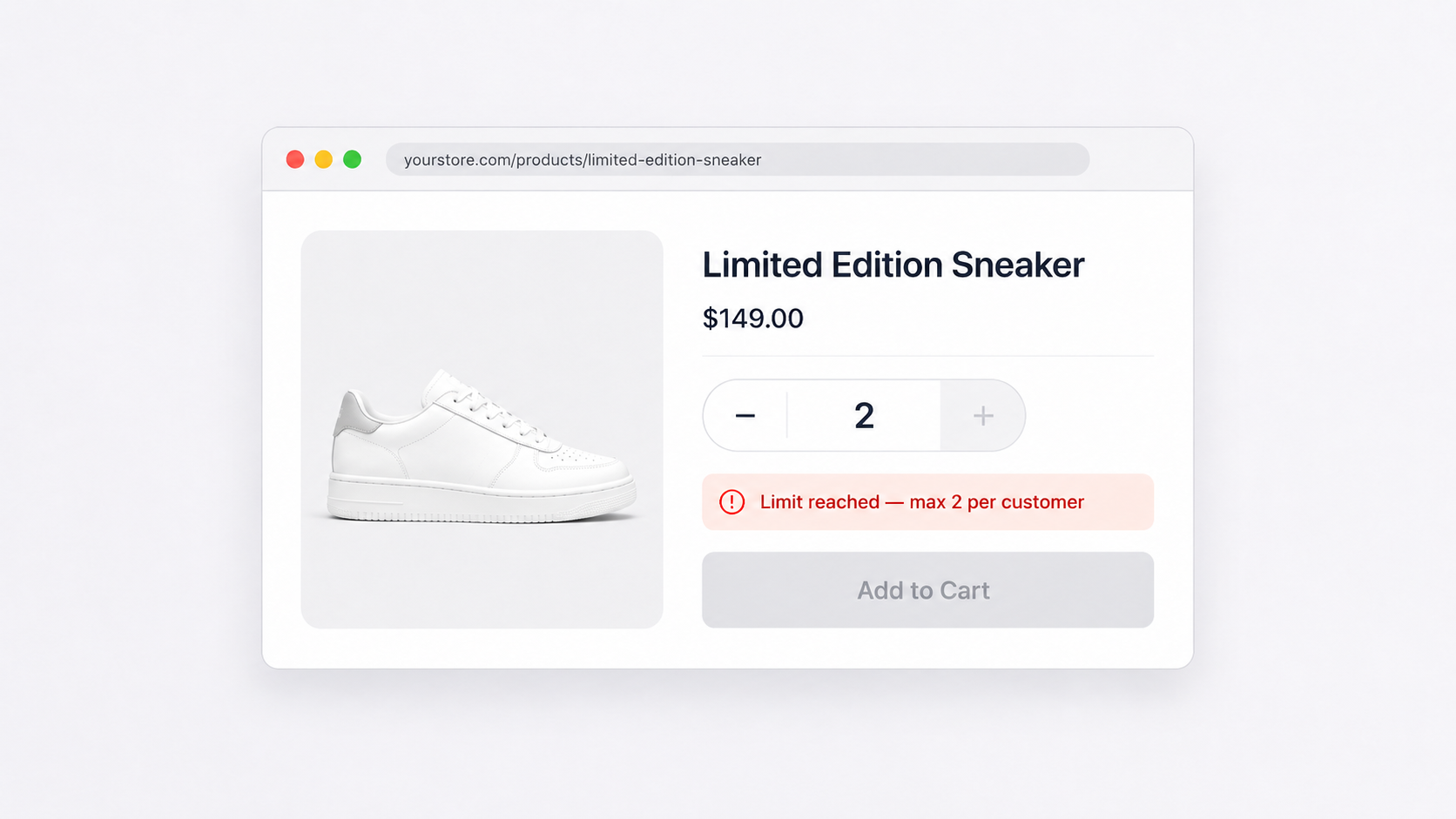
Why it matters: Without a cap, one customer can buy your entire stock of a popular item. During a flash sale, this happens fast. You end up with one large order to fulfill and dozens of disappointed customers who saw “sold out” before they could check out.
How to set it up: In DC Order Limits, create a new rule and set a maximum quantity. Apply it to your sale products using tags (like “flash-sale”) or select specific products.
A max of 3-5 units per product per order works for most stores. Low enough to spread inventory across more customers. High enough that legitimate buyers can grab a few.
This rule only affects the current cart. For stricter control, combine it with customer limits (rule 2).
2. Customer purchase limits
Why it matters: Cart limits reset with each order. A customer buys 3 units, checks out, and comes back for 3 more. Repeat until your inventory is gone. This happens with resellers, bots, and sometimes just overeager customers.
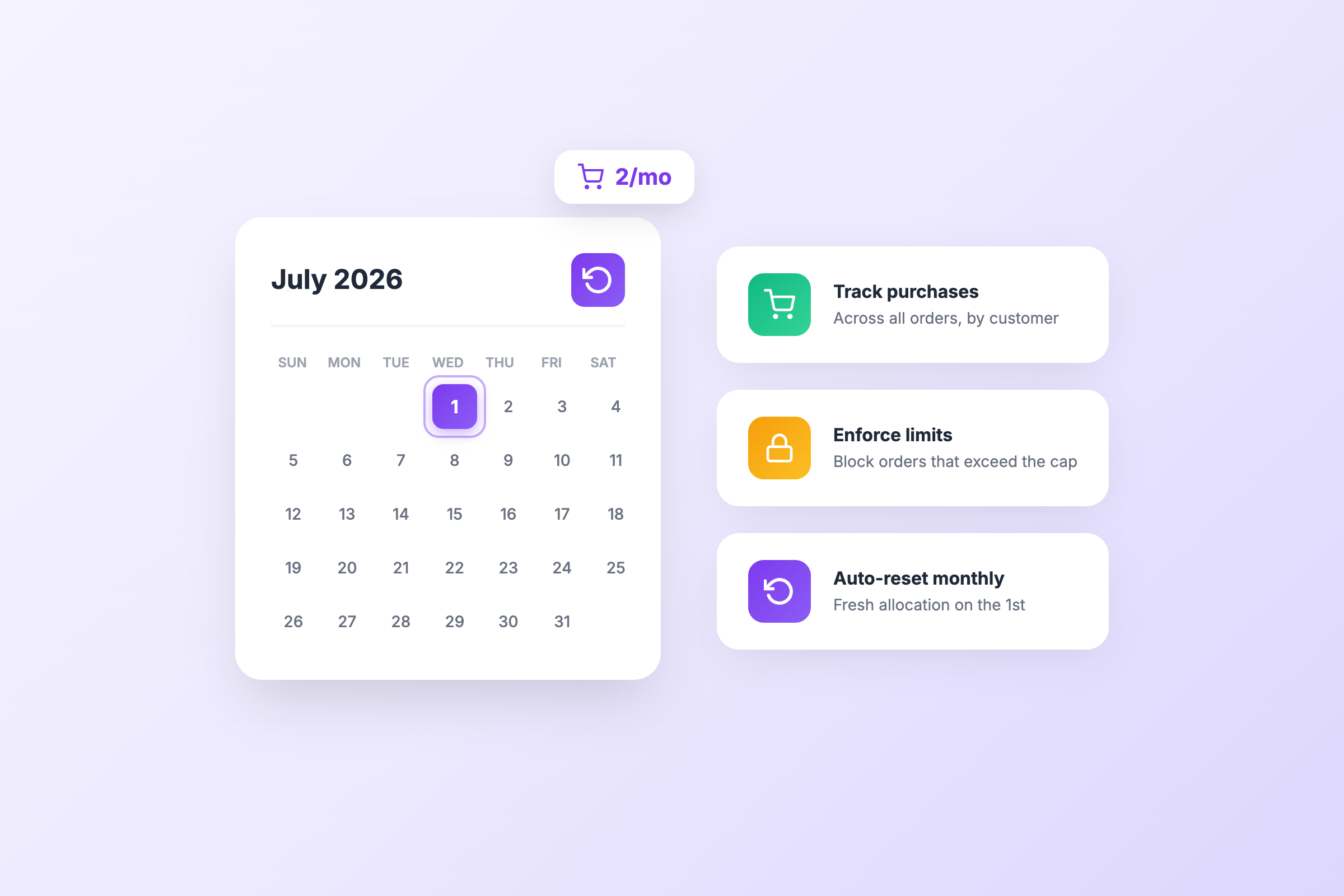
Customer purchase limits track what each customer has bought across all their orders. Once they hit your cap, they can’t buy more, even in a new session or a new order.
How to set it up: In DC Order Limits, create a Customer Purchase Limit rule. Set the maximum quantity per customer (say, 5 units total). Apply it to your sale items.
Customers need to be logged in for tracking to work. Consider requiring accounts during your sale period.
This is the rule that stops one buyer from taking more than their share over the course of your entire sale.
3. Minimum order value
Why it matters: Sales with deep discounts attract small orders. A $5 item with free shipping costs you money to fulfill. Multiply that by hundreds of orders, and your sale loses money even with strong volume.
A minimum order value ensures every order covers your costs. Customers need to add more items to check out.
How to set it up: In DC Order Limits, create a Quantity and Price Limit rule. Go to the Price Limits tab and set a minimum price (for example, $35 or $50).
When a customer tries to check out below the minimum, they see an error message. You can customize this message to explain the requirement and encourage adding more items.
This pairs well with “free shipping over $X” messaging. Set the minimum at or near your free shipping threshold.
4. Maximum order value
Why it matters: Unusually large orders often signal fraud. A $2,500 order from a new customer with expedited shipping to an address that doesn’t match the billing address is a red flag.
During sales, fraudsters test stolen cards with small purchases, then place large orders before the card is reported. A maximum order value caps exposure from any single fraudulent order.
How to set it up: In DC Order Limits, create a Quantity and Price Limit rule. Set a maximum price (for example, $500 or $1,000 depending on your average order size).
Legitimate customers rarely hit this cap. If someone needs to place a larger order, they can split it into two or contact you directly. The small friction is worth the fraud protection.
Review any orders that approach your maximum. Flag them for manual verification before shipping.
5. Weight-based limits
Why it matters: Shipping costs vary by weight. During a sale, some customers load up on heavy items, expecting flat-rate or free shipping to absorb the cost. You end up paying $40 to ship a $50 order.
Weight limits cap how much any single order can weigh. Customers who hit the limit need to remove items or split their order.
How to set it up: In DC Order Limits, create a Weight Limit rule. Set the maximum weight (for example, 20 lbs or 10 kg). Apply it to all products or specific categories where weight is a concern.
This is especially useful for stores selling heavy items like beverages, home goods, or fitness equipment. It keeps shipping costs predictable during high-volume sale periods.
Putting it together
Before your next sale, spend 15 minutes setting these rules:
- Max 5 units per product to spread inventory
- Customer limit of 10 units total to stop repeat buying
- $35 minimum order to protect margins
- $750 maximum order to flag fraud
- 25 lb weight limit to control shipping costs
Adjust the numbers for your store. A jewelry brand might set a higher minimum and no weight limit. A beverage company might have strict weight limits and lower maximums.
Test your rules before the sale goes live. Add items to your cart as a test customer and verify the limits trigger correctly.
What happens without these rules
You run a 40% off sale. Traffic spikes. One customer buys 30 units of your bestseller before anyone else can. Another places a $1,200 order with a stolen card that gets charged back two weeks later. A third buys one $8 item and expects free shipping.
You spend the week after your sale handling chargebacks, refunding oversold items, and calculating how much you lost on small orders.
With rules in place, the same sale runs smoother. Inventory spreads across more customers. Fraud gets flagged before shipping. Every order that completes is worth fulfilling.
Setting up in DC Order Limits
All five rules live in one app. Create each rule type, set your thresholds, and apply them to sale products using tags or product selection. Rules activate immediately and work at checkout.
You can enable rules specifically for sale periods and disable them when the sale ends. Or keep them running year-round as baseline protection.
The 15 minutes you spend now saves hours of cleanup later.