· Zayd Khan · order-limits · 5 min read
Do Order Limits Work with Shop Pay, Apple Pay, and Google Pay?
Merchants worry that accelerated checkout buttons bypass purchase limits. Here is how DC Order Limits enforces your rules across Shop Pay, Apple Pay, Google Pay, and PayPal—no gaps, no workarounds.

When merchants set up purchase limits, their biggest fear is a loophole. They configure everything carefully, test it on the standard checkout, and then realize they forgot about the Shop Pay button. Or the Apple Pay express checkout. Or the PayPal button sitting right there on the product page.
The question comes up constantly: “Do my order limits actually work when customers use accelerated checkout?”
The answer is yes. DC Order Limits enforces your rules across every accelerated checkout method Shopify supports. Here is how it works and why this matters for your store.
Why accelerated checkout creates anxiety
Accelerated checkout buttons are designed to skip steps. That is the entire point. A customer clicks Shop Pay, confirms with Face ID, and the order is placed in seconds. No cart page, no traditional checkout flow.
This speed is great for conversion. But it creates a reasonable concern: if customers are skipping the checkout, are they also skipping your validation rules?
The short answer is no. Shopify’s Cart and Checkout Validation Functions run regardless of which checkout path a customer takes. Shop Pay, Apple Pay, Google Pay, and PayPal all flow through the same validation layer.
How validation actually works
When a customer initiates any checkout—standard or accelerated—Shopify runs your validation functions before processing payment. This happens server-side, not in the browser, so customers cannot bypass it regardless of which button they click.
DC Order Limits uses Shopify’s Validation Functions to check every order against your rules. The app evaluates:
- Product and variant quantity limits
- Customer purchase history (lifetime limits)
- Cart total restrictions
- Time-based rules
- Customer tag conditions
This evaluation happens for Shop Pay exactly the same way it happens for standard checkout. If a customer violates a rule, the checkout is blocked and they see your error message.
The flash sale scenario
Here is where this matters most. You are running a limited drop—500 units of a new product, one per customer. Demand is high. Resellers have scripts ready.
Without accelerated checkout protection, your limits might only catch customers going through the standard flow. Anyone using Shop Pay (which saves payment info and ships in two taps) could potentially slip through.
With DC Order Limits, the validation runs on every checkout path. A reseller who already purchased one unit cannot checkout again via Shop Pay, Apple Pay, or any other method. The rule applies everywhere.
Real use cases
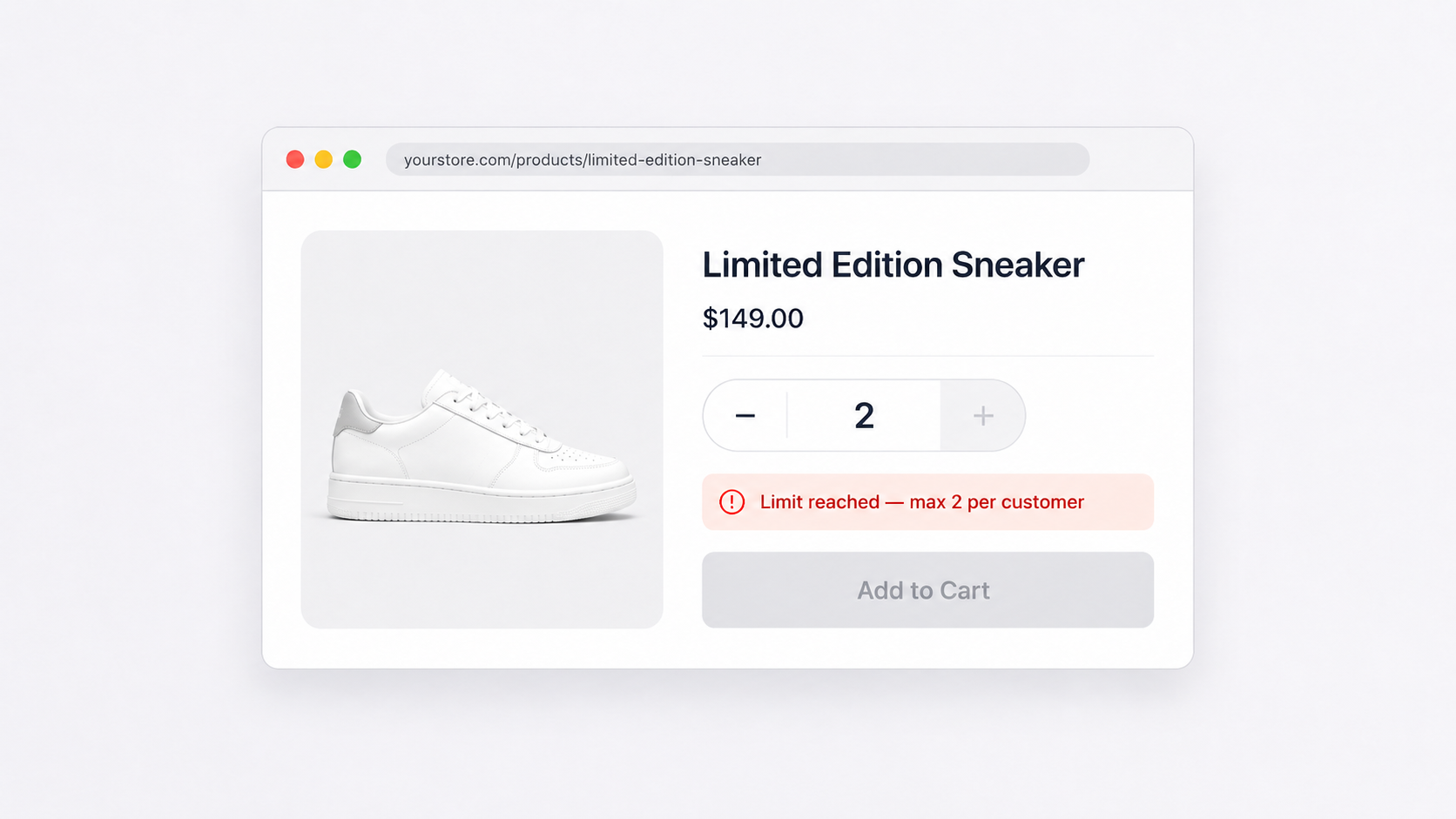
Limited edition product drops. You have 200 units of a collaboration piece. Shop Pay makes checkout nearly instant—which is exactly what resellers want. Your one-per-customer limit stops them regardless of checkout method.
Free gift promotions. You are offering a free sample with first purchase. Customers discover they can add the sample, checkout via Apple Pay in seconds, and repeat. Your customer purchase limit tracks their history and blocks repeat claims.
High-demand flash sales. Black Friday. Cyber Monday. Influencer drops. Fast checkout is not a bug—it is a feature. But you need your quantity limits to hold. They do.
Subscription box quantity caps. You sell subscription boxes and want to limit customers to two active subscriptions. The quick-checkout options that make subscribing easy also respect your limits.
Fraud prevention during viral moments. A product goes viral on TikTok. Bots and resellers swarm. Your per-customer limits apply to every checkout path, slowing down bulk purchasing even when demand spikes. For more on this, see how order limits combat fraud.
What customers see
When a customer hits a limit via accelerated checkout, the experience is similar to standard checkout. The checkout is blocked, and they see the error message you configured.
For Shop Pay, this appears as a checkout error after they attempt to complete the purchase. The same applies to Apple Pay and Google Pay—the payment is not processed, and the customer sees your custom message explaining the limit.
Clear messaging matters here. A message like “This product is limited to 1 per customer. You have already purchased this item” prevents confusion and reduces support requests.
Draft orders and admin checkouts
Beyond accelerated checkout, DC Order Limits also works with:
- Draft orders converted to checkout. When you convert a draft order to a checkout link, validation runs when the customer completes the checkout.
- Admin direct order creation. Orders created directly in Shopify Admin also trigger validation.
This means your limits are consistent across customer-facing and staff-facing order creation.
The technical foundation
Shopify’s Checkout Validation Functions are the key. These run server-side, after the cart is submitted but before payment is processed. Every checkout path—standard, Shop Pay, Apple Pay, Google Pay, PayPal, and Buy Now buttons—flows through this validation layer.
DC Order Limits registers validation functions that check your rules against the incoming order. If any rule is violated, the function returns an error, and Shopify blocks the checkout.
This architecture means you do not need to configure anything special for accelerated checkouts. Your rules apply automatically.
Testing accelerated checkout limits
To verify your limits work with accelerated checkout:
- Set up a test product with a limit of 1 per customer
- Create a test customer account
- Purchase the product using standard checkout
- Try to purchase again using Shop Pay or Apple Pay
- Confirm the checkout is blocked and you see your error message
If you are testing Shop Pay specifically, you will need a Shop Pay-enabled test account. Apple Pay testing requires an Apple device with Apple Pay configured.
What about Buy Now buttons?
Buy Now buttons (also called dynamic checkout buttons) skip the cart page and go directly to checkout. These also flow through Shopify’s validation layer, so your limits apply.
The same is true for any headless implementation using Shopify’s Storefront API. As long as the checkout flows through Shopify’s standard checkout, validation functions run. For more on headless support, see enforcing purchase limits on headless Shopify storefronts.
Getting started
If you are running limited releases, flash sales, or any promotion where fairness matters, you need confidence that your limits work everywhere. DC Order Limits enforces your rules across every checkout method Shopify supports—standard, Shop Pay, Apple Pay, Google Pay, and PayPal.
Set up your rules once, and they apply everywhere. No special configuration for accelerated checkout. No gaps for resellers to exploit.