· Dash Checkout · order-limits · 4 min read
Shopify order limits explained: how to set min/max quantities (complete guide)
Set minimum and maximum order quantities on Shopify to prevent stockouts, stop bulk buying abuse, and boost average order value. Step-by-step setup guide.
What are order limits?
Order limits are rules you set to control how many items a customer can buy in a single order. These rules can cover:
- Minimum Quantity: The least number of items a customer has to buy.
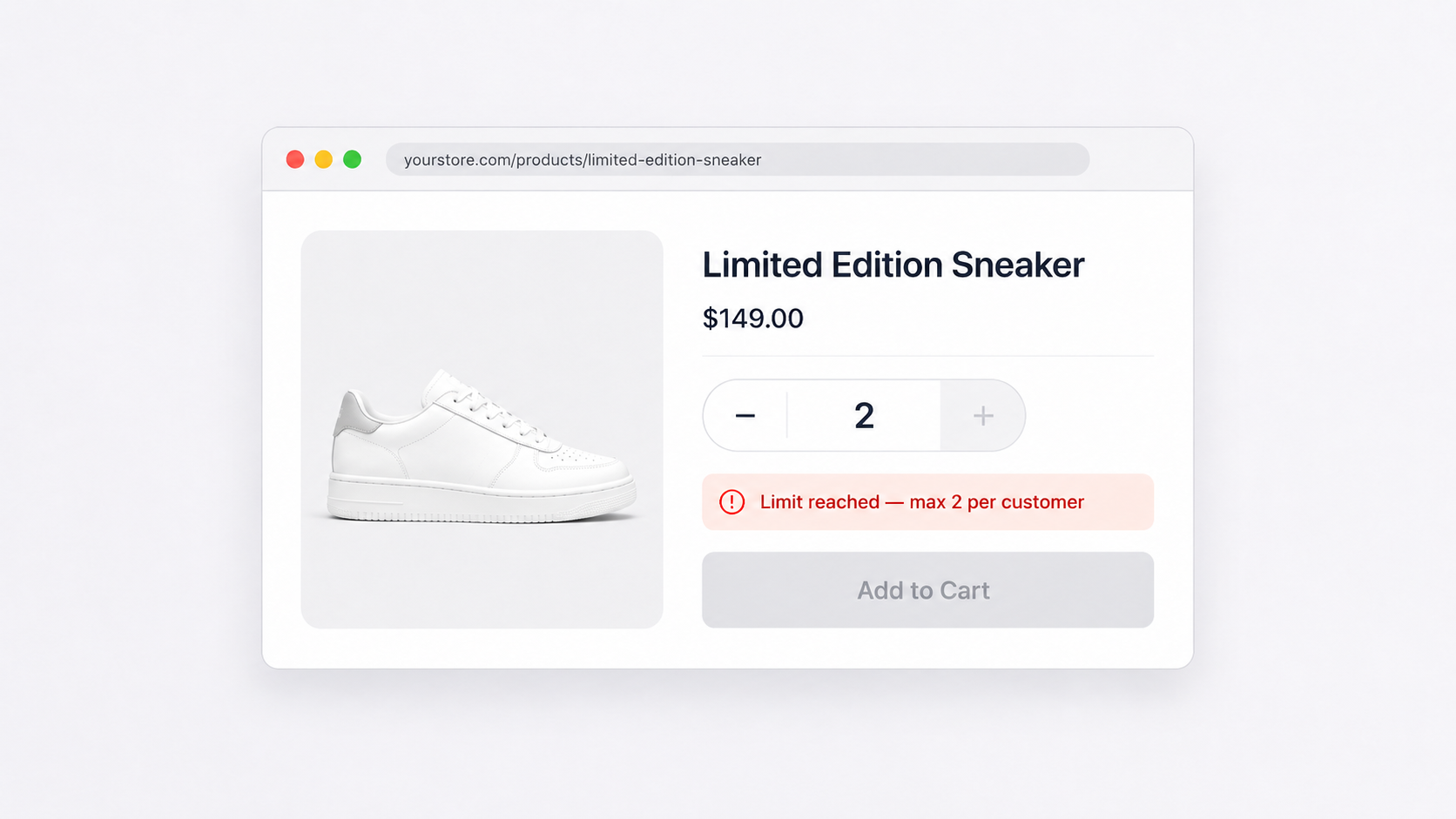
- Maximum Quantity: The most items a customer can buy in one go.
- Minimum Price: The lowest total amount a customer needs to spend.
- Maximum Price: The highest total amount allowed for an order.
- Quantity Increment: The number of items a customer must buy at a time (e.g. in 2s, 5s, 12s, or any number you choose). See how quantity increments simplify pack-based ordering.
These limits help you manage your stock better, prevent running out of items or having too much, and make sure everyone gets a fair chance to buy popular products.
Benefits of setting order limits
Prevent stockouts and overstocking
- Stockouts: Minimum limits alert you when it’s time to reorder, so you don’t run out of popular items and miss out on sales.
- Overstocking: Maximum limits stop customers from buying too much, which helps avoid excess inventory and the costs that come with storing unsold items.
Enhance customer satisfaction
- Keeping stock levels just right means your customers can always find what they want, reducing frustration and building trust in your store.
Optimize inventory management
- Setting order limits helps keep your inventory accurate, reducing errors and making sure your stock meets customer demand. This smooths out your supply chain and ensures you’re always ready to sell.
Reduce fraudulent transactions
- Maximum order values can help prevent large, possibly fraudulent transactions, protecting your business from financial losses. Learn more about using order limits to combat fraud.
Increase average order value (AOV)
- Minimum order values encourage customers to add more items to their cart, which can lead to higher sales overall.
Implementing order limits in Shopify with Dash Checkout
Setting up order limits in your Shopify store is easy with Dash Checkout. Here’s how to do it:
Install Dash Checkout
- Start by installing Dash Checkout from the Shopify App Store. This app makes it simple to manage your order limits.
Create a rule
- In the Dash Checkout dashboard, select the option to create a new order limit rule. Choose whether you want to set a minimum or maximum limit for quantity, value, or weight.
Apply to products
- Decide if the rule applies to individual products, collections, or the entire cart. For example, set a max purchase limit on a popular item to ensure everyone gets a chance to buy it.
Set conditions
- Define the conditions for your order limit, like a minimum order value of $25 for free shipping. This encourages customers to add more items to their cart.
Save and activate
- Save your rule and activate it. Dash Checkout will enforce these limits at checkout, making the shopping experience smoother for your customers.
Best practices for using order limits
Regularly Review and Adjust Limits: Keep an eye on your inventory levels and sales trends to adjust your order limits as needed. Seasonal changes and sales events can impact demand, so be ready to update your settings.
Communicate Clearly with Customers: Let your customers know about any order limits by displaying clear messages on product pages and during checkout. Transparency helps manage expectations and reduces frustration.
Use Data to Inform Decisions: Look at your sales data to spot patterns and optimize your order limits. Tools like Shopify Analytics can give you valuable insights into customer behavior and inventory performance.
Order limits are one of those features that quietly solve problems you did not realize were costing you money: stockouts, bulk-buying abuse, unprofitable small orders. Once you set them up, they run automatically.
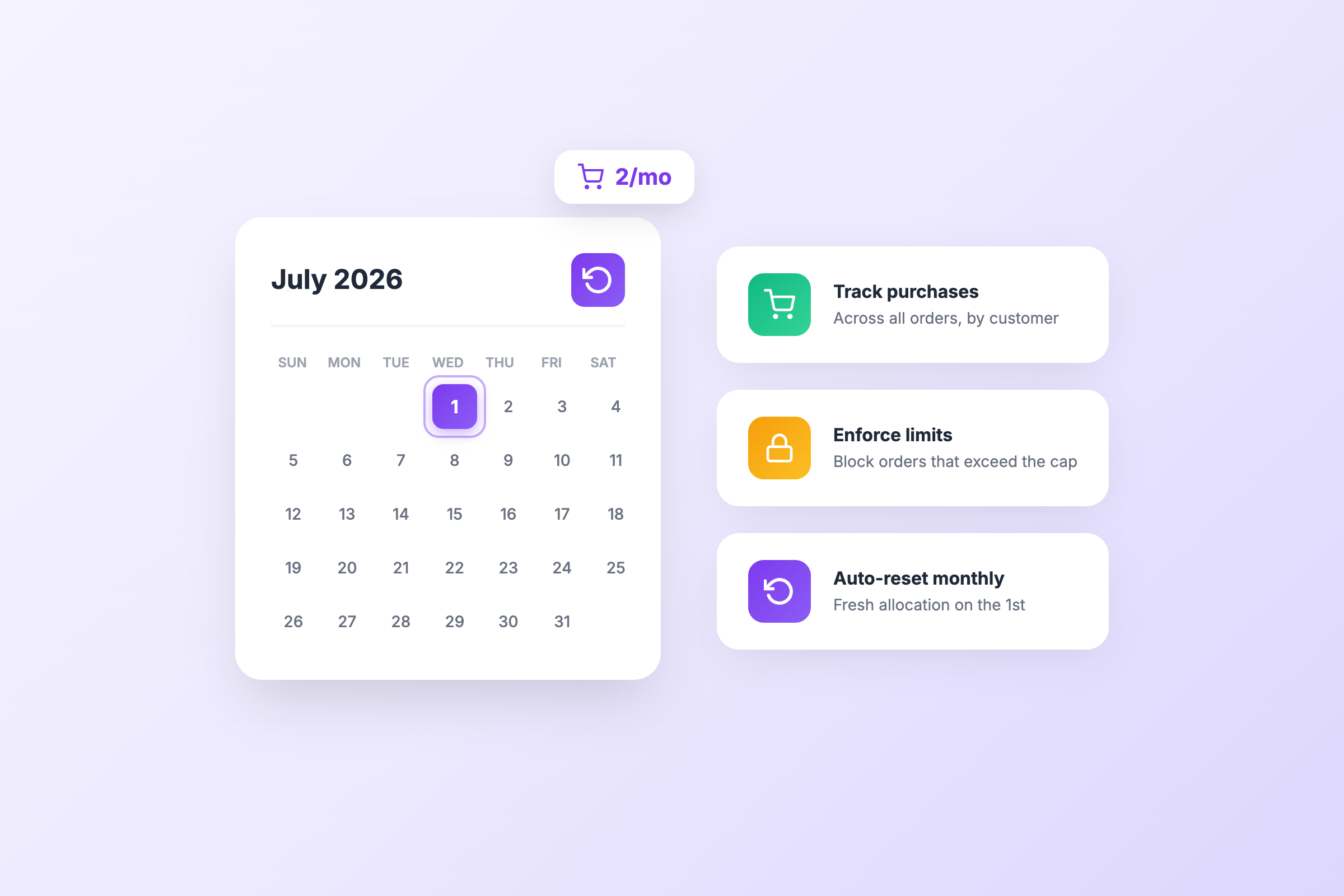
For tracking limits across multiple orders, see customer purchase limits. For shipping cost control, check out weight-based order limits.
Install Dash Checkout to set up your first rule in about 5 minutes.